
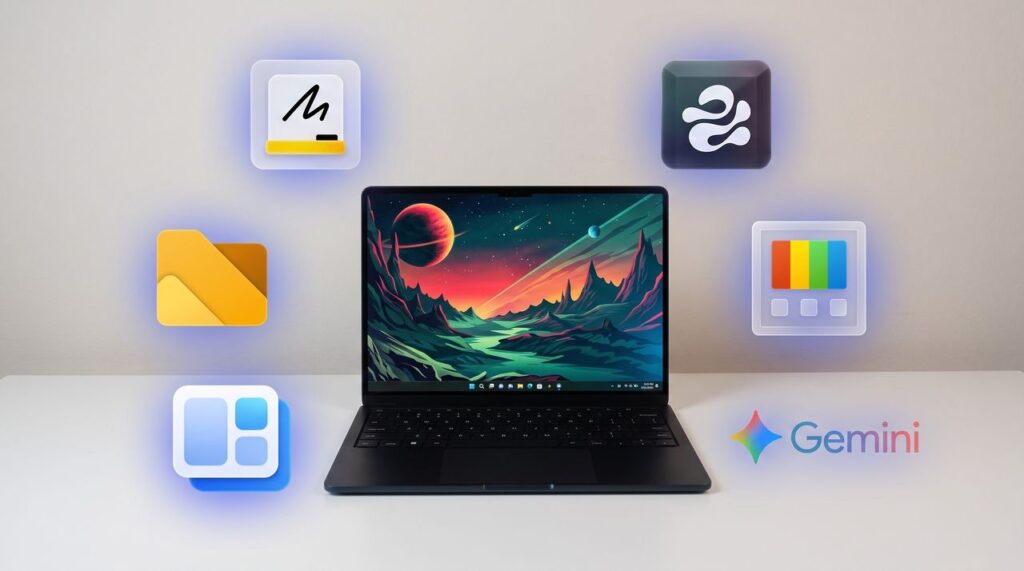

I’ve covered over 100 apps during my time at Windows Central. From powerful video editors to tiny utilities that change a hyper-specific part of Windows 11, there are a massive number of apps to install on a PC.

What I’m working on this week: I’m performing a clean install of Windows 11 on my PC and rebuilding my work setup with my favorite customization apps and tools.
One of my favorite categories of apps is those that enhance, improve, or replace the everyday computing experience. For example, on my smartphone I have several extensions to clean up the mobile browsing experience.
When it comes to Windows 11, I’m quick to install a third-party replacement of a default app, a tweaker that improves a default experience, or to use an app to replicate core functionality of a built-in app.
On top of providing unique functionality that enhances your computing experience, each of these apps can also be used to replace a built-in part of Windows 11 or a dedicated Microsoft app.
As I rebuild my clean Windows 11 installation this week, these will be the first six apps I download to replace Microsoft’s defaults.
My top Windows 11 apps

Microsoft Editor is fine for catching stray commas, but it struggles with more complex editing. Gemini catches subtle phrasing errors and provides suggestions to restructure paragraphs, refine flow, and adjust tone.View Deal
Microsoft Whiteboard feels bloated, is web-based, and is going away for non-business users. Markerpad is a lightweight whiteboard app that runs natively on Windows 11 and loads quickly.View Deal

This clipboard manager lives on the side of your screen and supports drag-and-drop. I use it in conjunction with the built-in Windows Clipboard, but you could easily rely on Edge Drop and never have to press WIN + V.View Deal

This file management app blazes a trail ahead of Windows 11’s built-in File Explorer by experimenting with new features and testing new layouts before Microsoft.View Deal
Microsoft PowerToys is a collection of utilities that often outshine similar tools on Windows 11. For example, FancyZones is more powerful than snapping windows. One of my colleagues, Richard Devine, even uses PowerToys Run instead of the Start menu.View Deal
This app places widgets to the empty spaces of the Windows 11 taskbar. Even in beta, the app provides a better widget experience than Windows 11’s built-in widgets panel.View Deal