
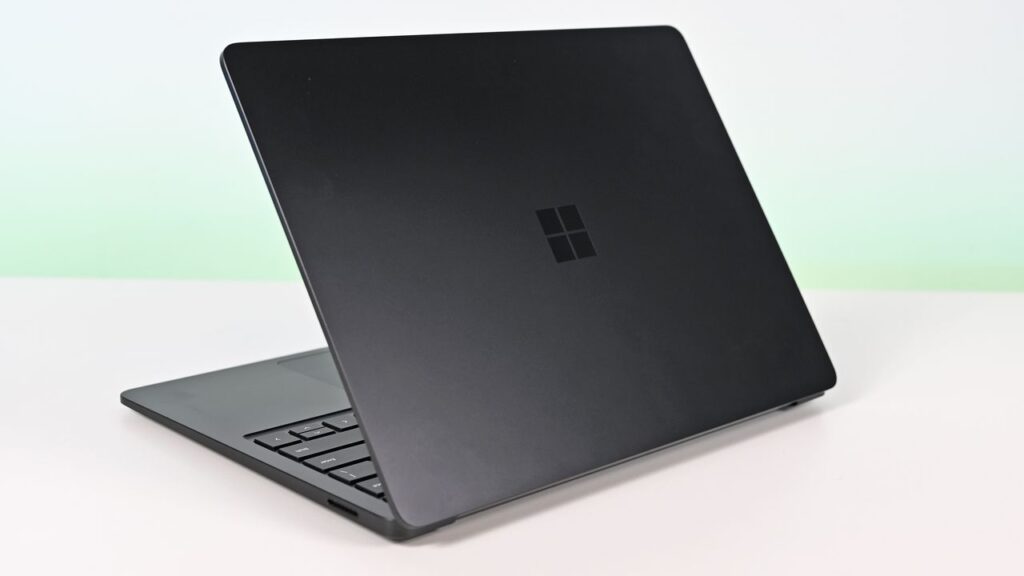

Microsoft’s Surface Laptop 8 launched this summer, sporting new Snapdragon X2 chips. The flagship laptops promise a premium experience, better battery life than the previous generation, and improved graphics performance.
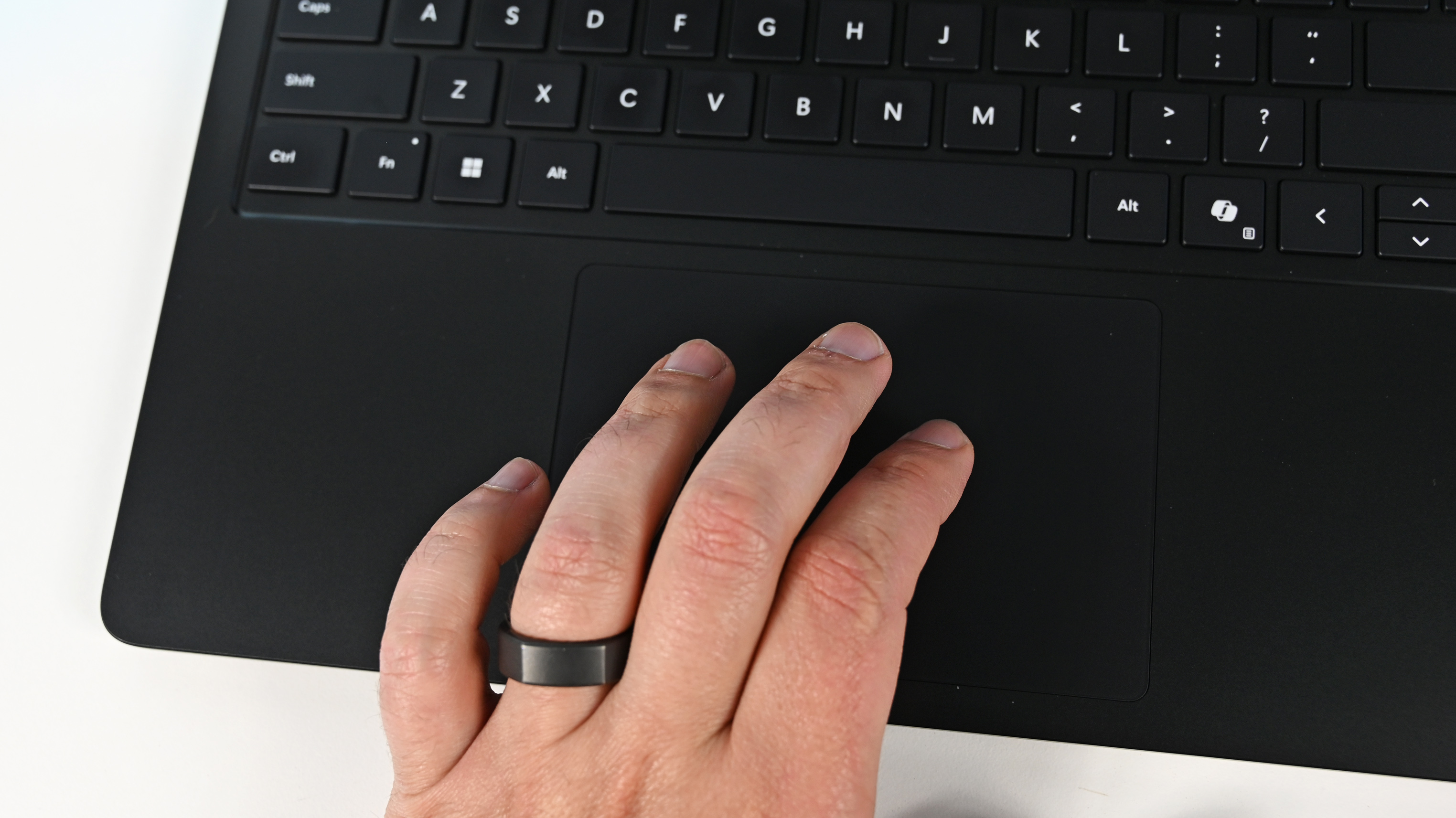
The bump in performance is expected considering the Surface Laptop 8 has a brand-new chip inside, so a different improvement is more noteworthy. The Surface Laptop 8 is one of the only devices to support Windows 11’s new advanced haptics feature. It’s the only laptop to support the feature.
• Shop all Best Buy Surface deals
Advanced haptics sends a subtle bump through a touchpad, mouse, or stylus to let you feel Windows 11. For example, rearranging windows on your screen through Snap Layouts gives a clear indication of when you’ve hovered over a different layout.
Our Senior Editor Zac Bowden said “Windows 11’s new ‘Haptic Signals’ feature is a quality of life upgrade [he] didn’t realize the OS needed until [he] tried it.” Now, you can experience the same thing since the Surface Laptop 8 is available for purchase.
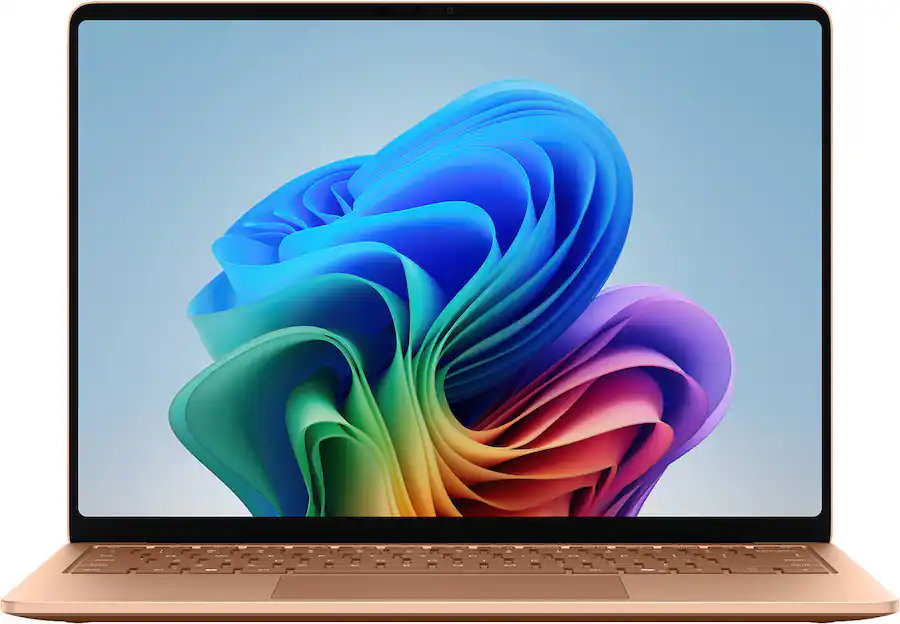
CPU: Snapdragon X2 Plus
GPU: Qualcomm Adreno
RAM: 16GB
SSD: 512GB
The Surface Laptop 8 introduces Microsoft’s new Dune colorway, giving a warm aesthetic to an otherwise unassuming PC.
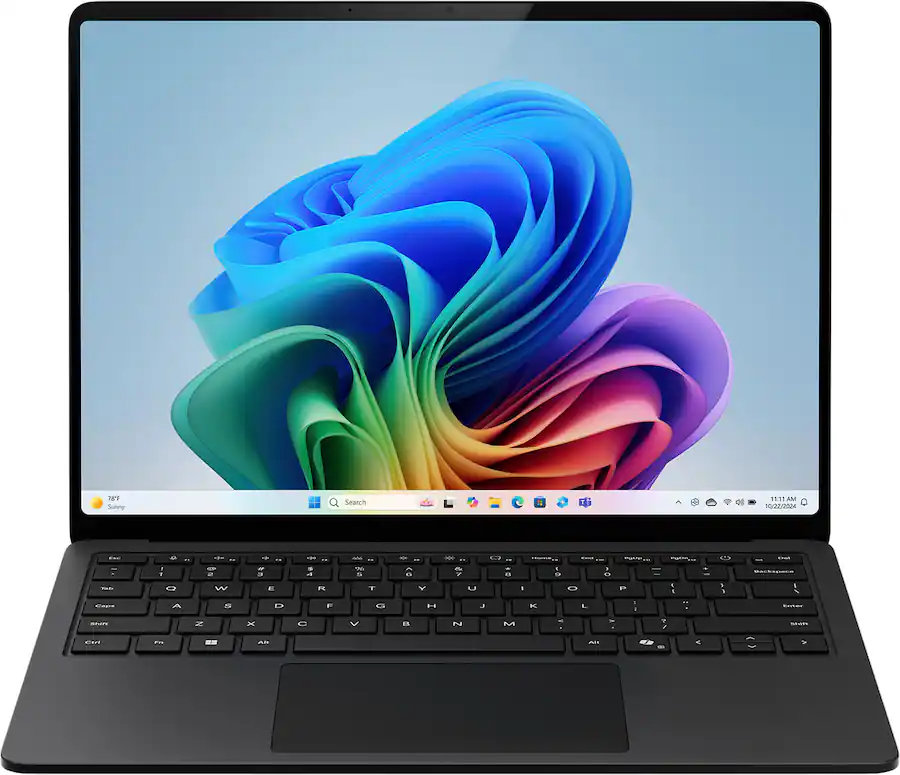
CPU: Snapdragon X2 Elite
GPU: Qualcomm Adreno
RAM: 16GB
SSD: 512GB
This Surface Laptop 8 runs on the Snapdragon X2 Elite, which lets it tackle tasks all day without running out of battery life.
Why should I care about advanced haptics?
As a quick point of clarity, the Surface Laptop 8 with Snapdragon X2 is what recently became available. Microsoft launched the Surface Laptop 8 for Business earlier this year. The business model runs on an Intel processor and comes with features you likely do not need as a general user.
Both the consumer and business versions of the Surface Laptop 8 support advanced haptics, but I recommend the consumer model to most people.
Advanced haptics is one of those small touches that makes Windows 11 feel polished. I appreciate UI changes and other Windows 11 improvements, but I’m more interested in features like advanced haptics because it changes the hands-on experience with a PC — quite literally.
“The new advanced haptic touchpad is a joy to use. It provides subtle tactile cues that confirm your actions,” said our Editor-in-Chief Daniel Rubino in our Surface Laptop 8 review.
Our friends at Tom’s Guide came away similarly impressed when reviewing the Surface Laptop 8:
“I’m also fond of the touchpad, which delivers satisfying haptic feedback when pressed. With some apps, you will even feel haptics when hovering over the X button on a window, which is quite fun and intuitive.”
Right now, Windows 11 is the main way that you’ll experience advanced haptics. But there’s an API for the feature, so third-party developers can leverage it. Filmora, Affinity, and other third-party apps either already support the feature or will soon.
The only other way to use Windows 11’s advanced haptics feature is to have a Logitech MX Master 4 or a supported stylus like the Surface Slim Pen 2. Over time, more devices should support the feature, but the Surface Laptop 8 beat everything else to the punch.

Join us on Reddit at r/WindowsCentral to share your insights and discuss our latest news, reviews, and more.