The best The Witcher 3 mods are ones which extend the game’s lifespan beyond what you’ve completed so far, allowing you to get more mileage out of each playthrough.
These mods can do a variety of different things, essentially improving certain mechanics of the original game or introducing new quests which can be completed alongside the content in the vanilla game.
While CD Projekt Red may be cooking with the upcoming Songs of the Past expansion for The Witcher 3, here are 12 mods that we reckon would fit well with your next playthrough.
Let’s jump into all the mods we’ve featured here, and why they’re worth installing.
1. The Witcher 3 HD Reworked Project OldGen Edition
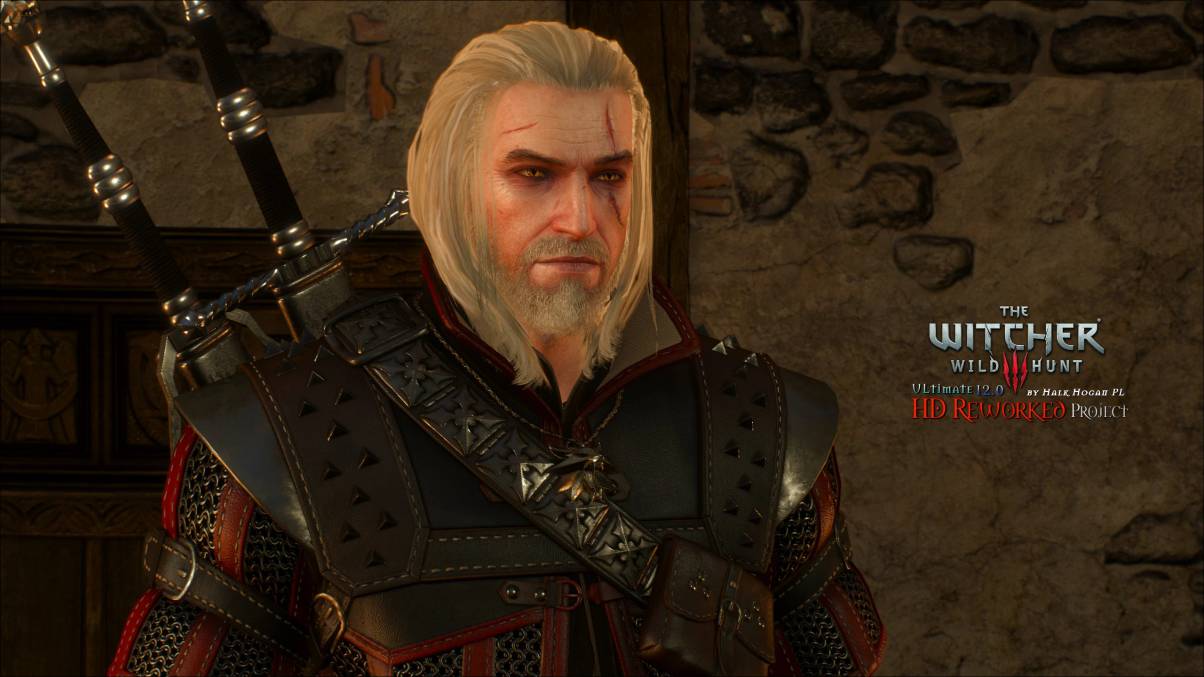
It’s already one of the best looking games of all time, but if you want to add a little extra oomph to your game’s graphics, HD Reworked Project OldGen Edition for The Witcher 3 is the one you want.
The mod features a load of new lore friendly textures at an ultra-high quality, with new smooth meshes and better level of detail. This is all done to be consistent with the original vision by CD Projekt Red.
2. All Quest Objectives
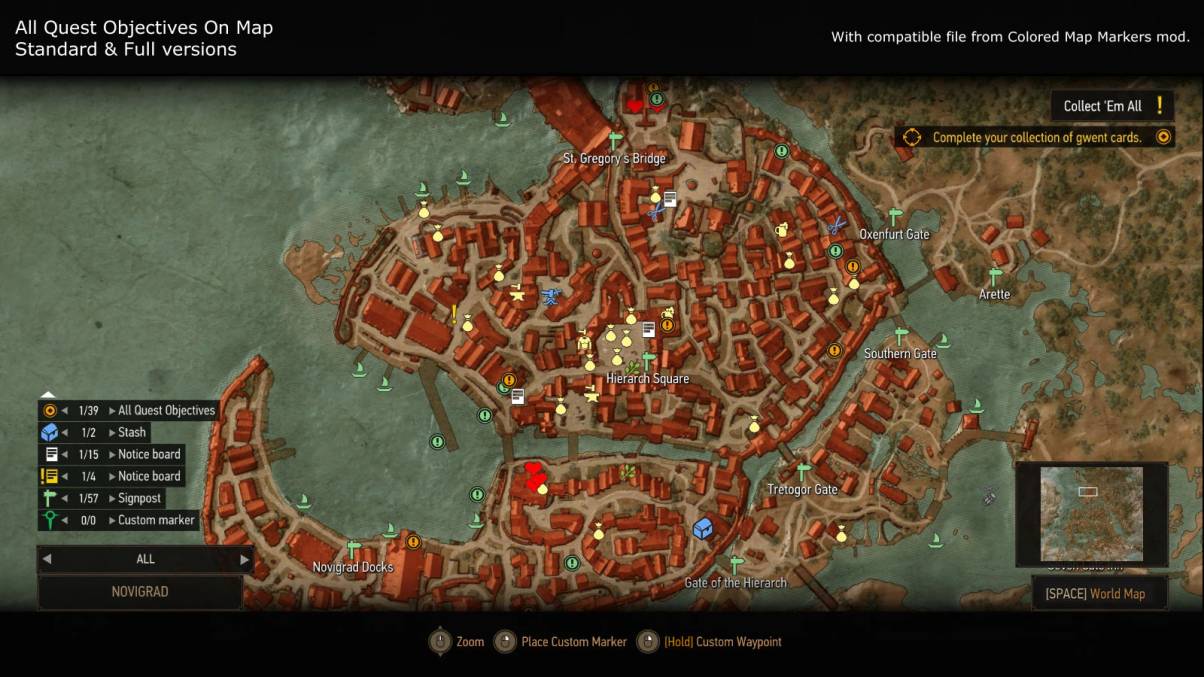
For a game as quest-heavy as The Witcher 3, the game’s map system doesn’t always present them to you in the most user-friendly way.
All Quest Objectives shows all your objectives on the map at once, and allows you to track multiple quests at the same time. You can also make some changes so the currently tracked objective is shown without you needing to go into the Quests menu.
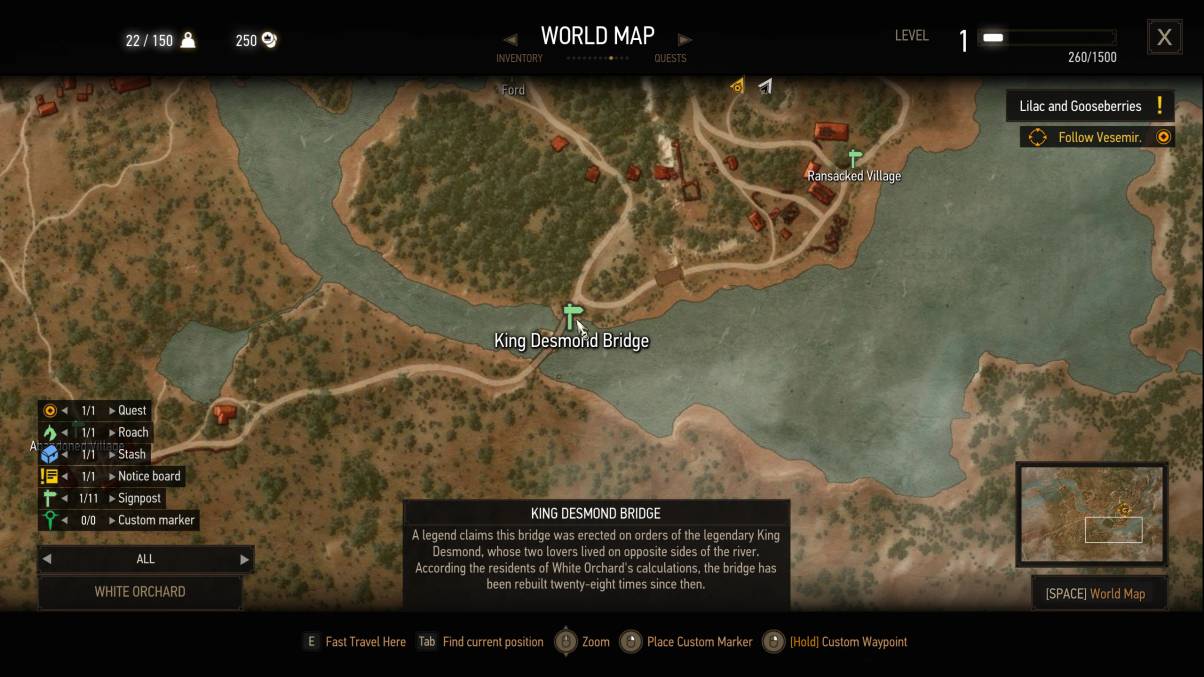
3. Fast Travel Pack
While you can simply download a mod which lets you fast travel anywhere, we prefer leaving a little bit of balance to this feature.
Fast Travel Pack adds 49 new fast travel signposts to the game, including both restored ones intended by CD Projekt Red and some for convenience, so you should have an easier time zipping around the world map.
4. Friendly HUD
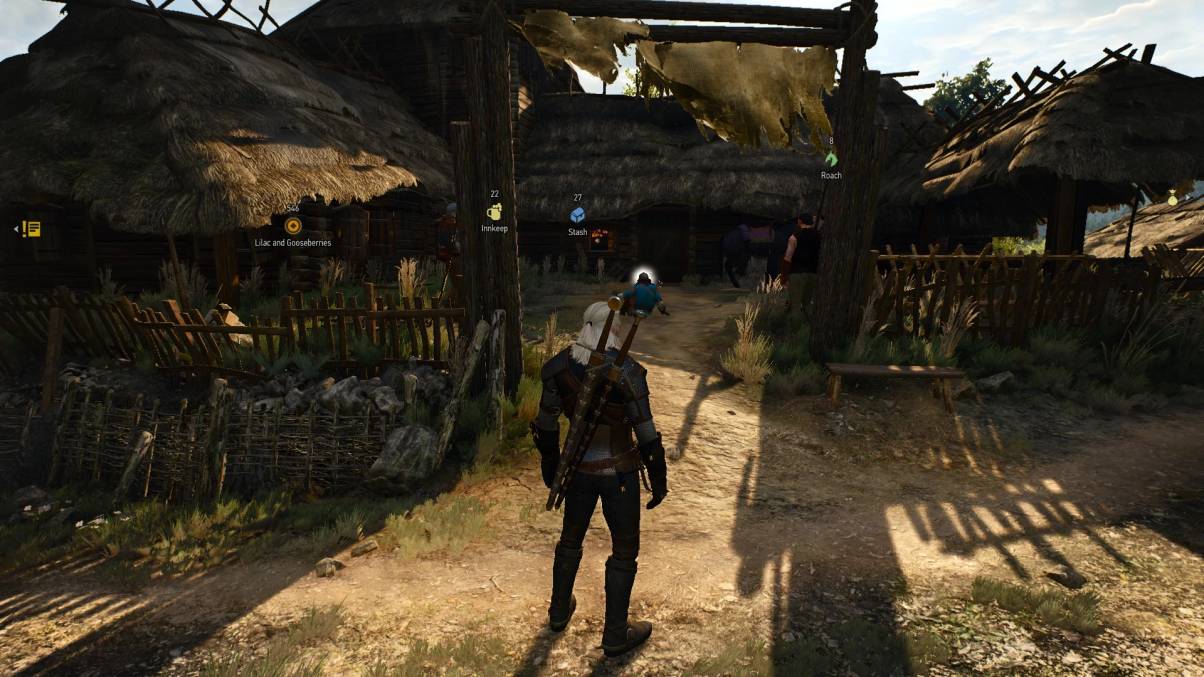
The Friendly HUD mod for The Witcher 3 allows you to tweak the HUD so that certain elements disappear temporarily when not needed, or are disabled entirely when they’re unnecessary.
New options are offered in place of these removals, so while playing without a minimap can sometimes be a pain, new 3D markers and trackers are added to circumvent that, making gameplay more immersive.
5. Realistic Weather
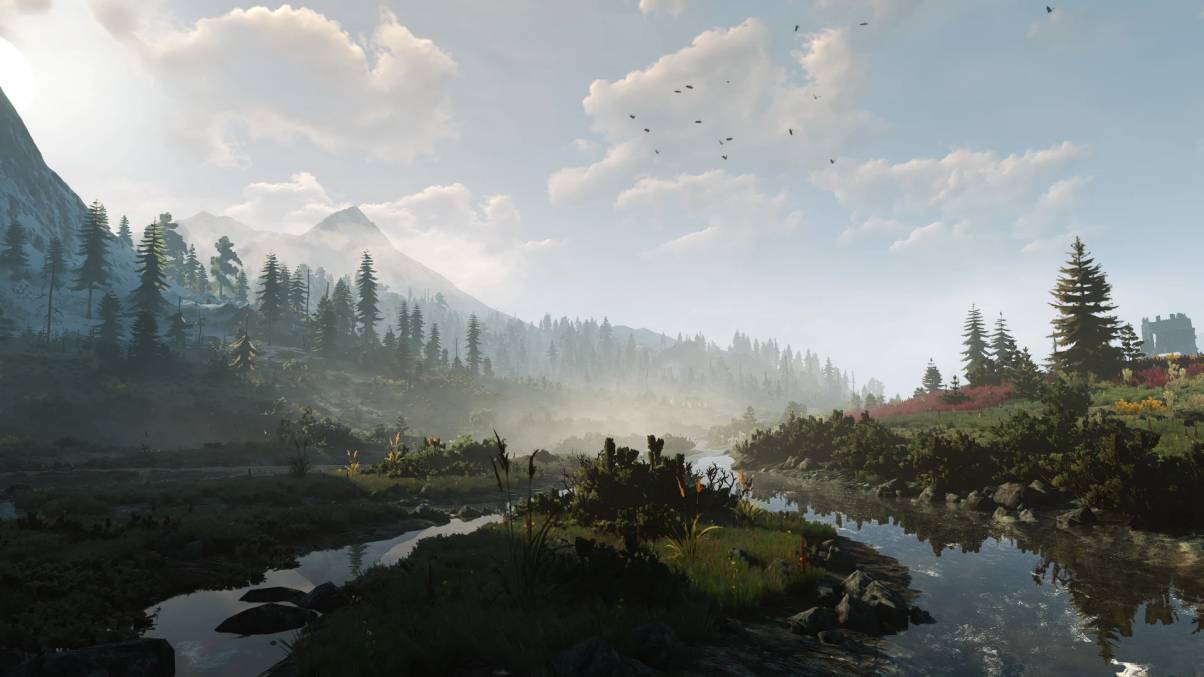
Doing exactly as it says on the tin, Realistic Weather adds some new weather effects to the game world, with the aim of everything becoming a lot more immersive.
Getting to specifics, more snowy weather has been added to Skellige, while new effects for rain, fog, and storms have been added across every part of the game. Edits to clouds and lighting have also been made to ensure everything looks more realistic.
6. Galloping In Cities
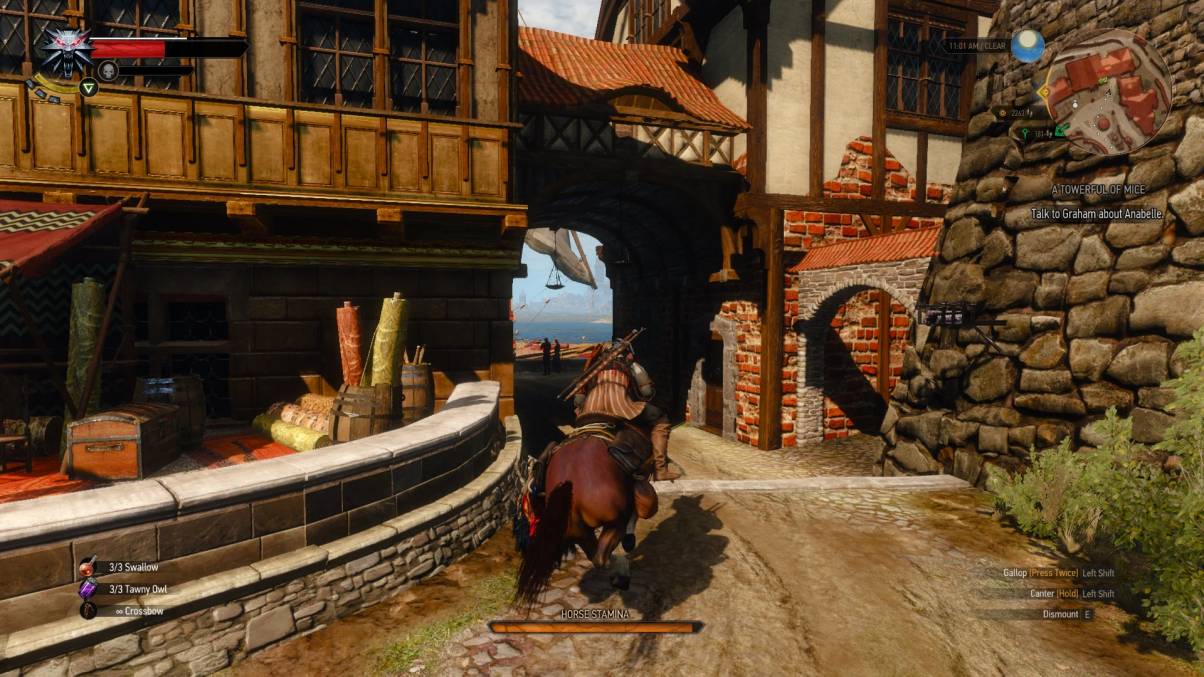
Sometimes, Geralt just needs to get to where he needs to be, and he doesn’t have time to be faffing about in one area for too long.
Galloping In Cities now lets Roach off the leash, no longer restricting you to just walking through the city streets. You’ll now be able to complete those bounties and contracts a lot faster.
7. Quests Extended
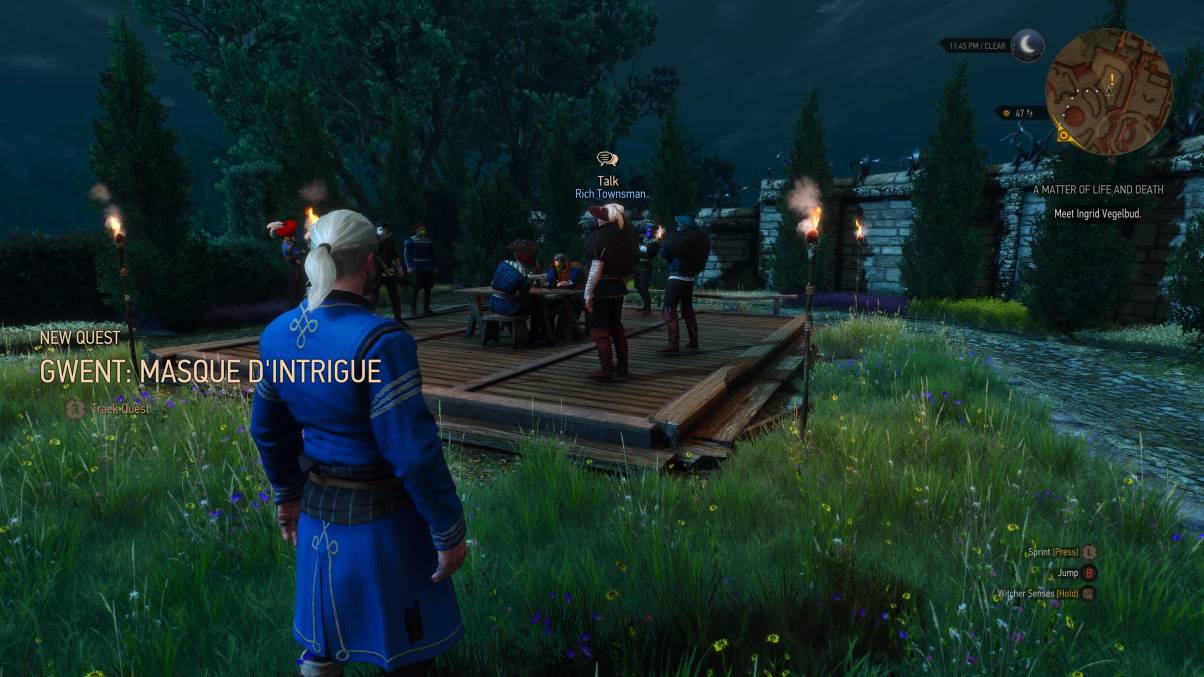
Already one of the biggest games of all time, players can extend their stay in the Continent with this pack of 18 new quests to play through. These new quests will activate at different times, featuring a bunch of new activities across various places in the game.
The new stories include finding a new unique weapon, crafting specific items, or entering a new challenging Gwent quest. Altogether, you’ll have another reason to keep playing The Witcher 3.
8. Tales of The Witcher
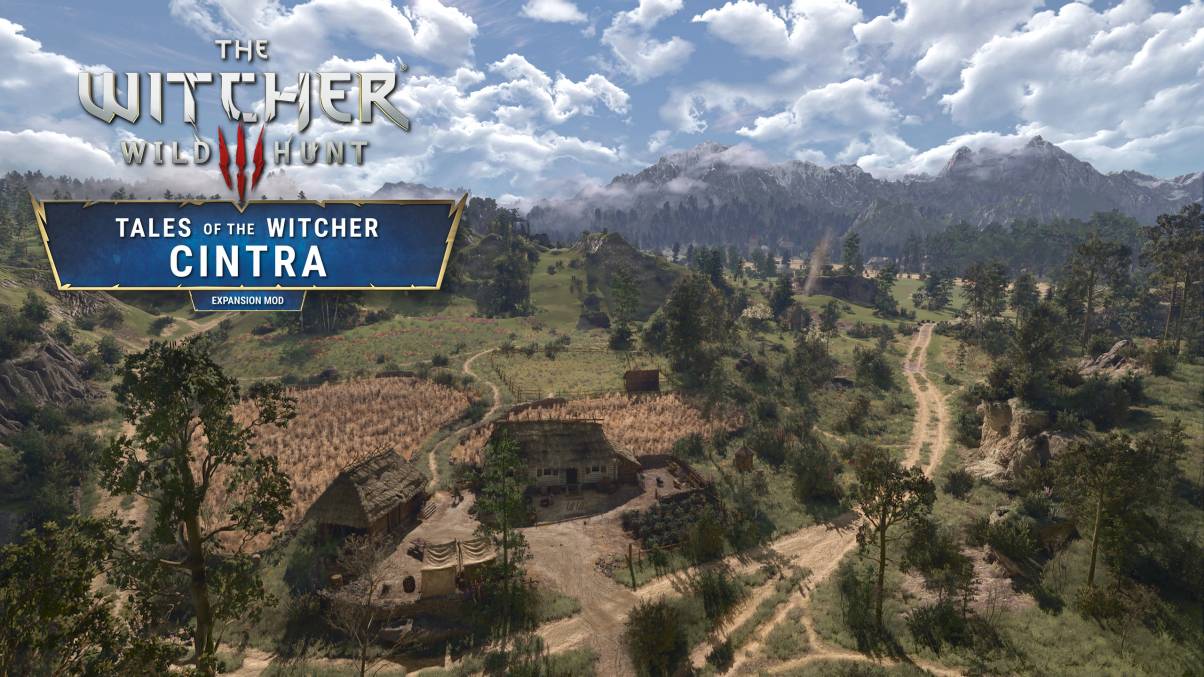
Tales of the Witcher is a good one for fans of book Geralt to experience, bringing a brand new story set long before the events of the novels and games.
It features a brand new world called Cintra which you can explore, as well as a new questline which consists of 10 quests and lasts for around 5 hours of playtime. The mod also features an economy overhaul, where you earn money from completing contracts as opposed to selling junk.
9. Blood And Steel
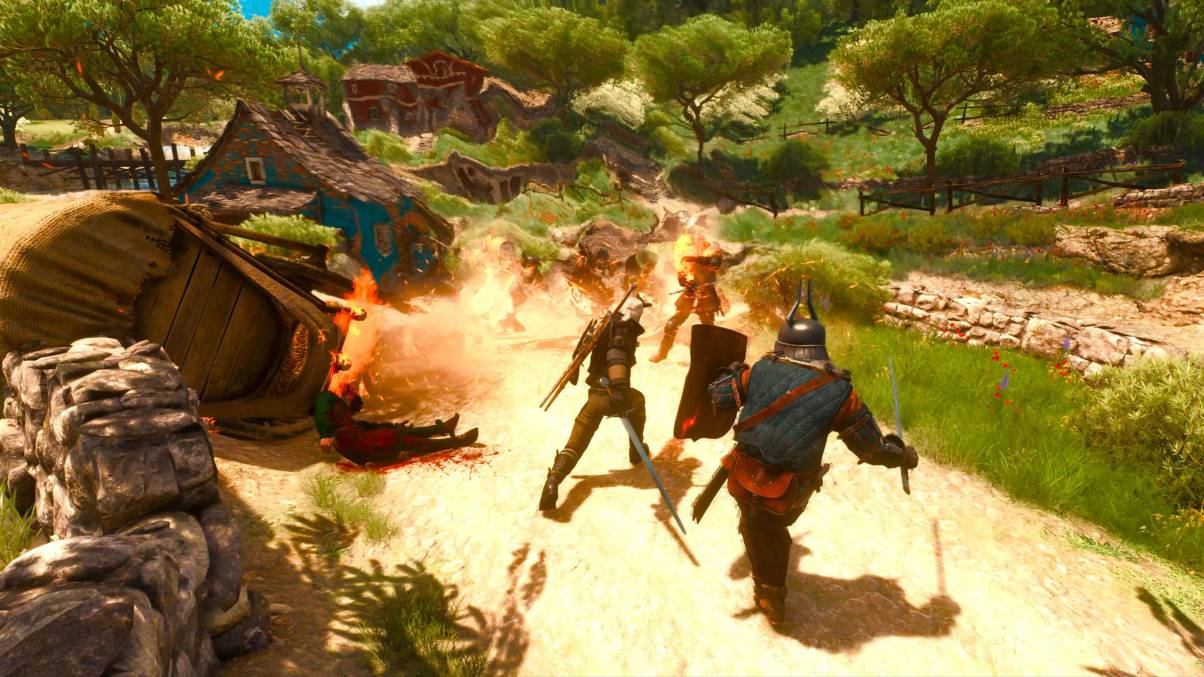
If you’ve ever wanted a combat overhaul for The Witcher 3, Blood and Steel does exactly this by introducing new animations, with better targeting, and alternative dodging mechanics.
The new animations introduce more attack variety, with fewer spinning animations and a more dynamic approach to combat. This also includes a new dodging style, where holding block allows for new dodge styles such as flanking, dodging enemy projectiles, and some pirouettes
10. Witcher Online
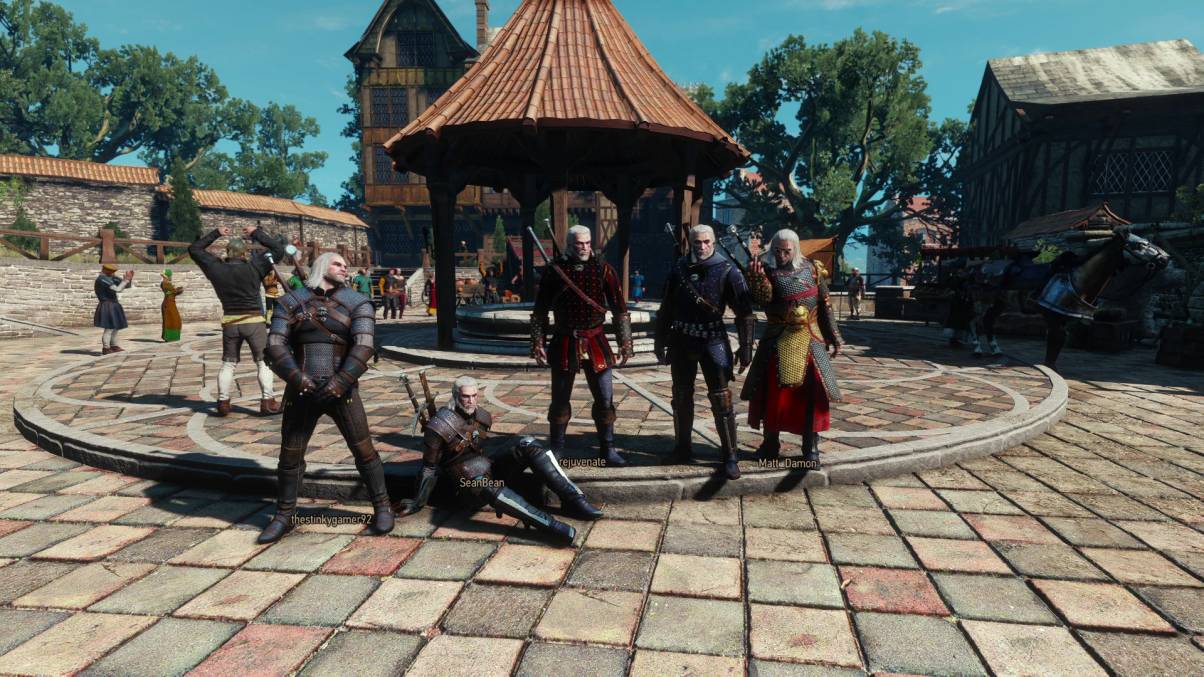
Witcher Online is a recent mod which does exactly as you’d expect, by allowing you to play the whole game online. In its early form, the mod is still pretty basic, essentially allowing you to interact with other Geralts by emoting or exploring together.
However, don’t expect to be able to complete quests together, and some aspects of the world like quests and NPCs will not be fully synchronised. It’s quite similar to Dark Souls’ ghost players, which is still pretty cool.
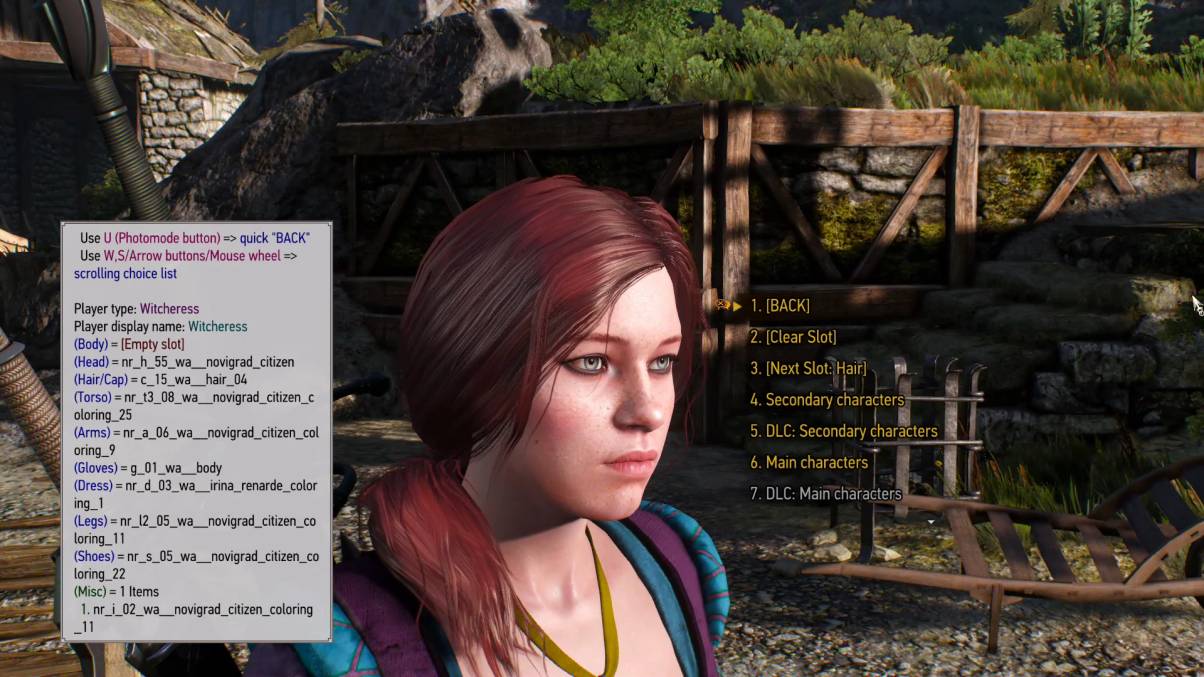
11. Custom Player Character
Allows you to change your character into another NPC, or a custom character that you can tweak to your liking.
While they’ll still have Geralt’s voice and animations during cutscenes, the mod is best paired with the Witcher Online mod to allow you to have your own multiplayer avatar on each server.
12. Events
Events improves the quests feature of The Witcher 3 by granting all unmarked quests in the game journal entries and objectives to complete.
This is especially useful if you want to track all of the activities you can do in the game, including the ones which aren’t tracked in the journal. It can even be installed in the middle of a playthrough, allowing you to see what you’ve achieved so far, and what you have left to do.