
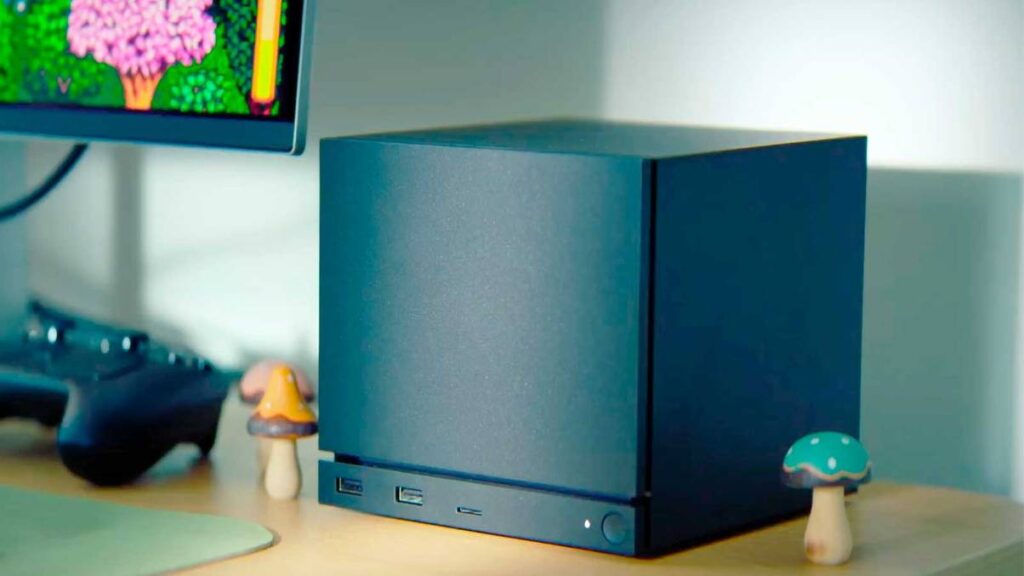

Steam Machine users looking to upgrade their system have been warned about one specific thing to do before opening the unit up.
With the Steam Machine now out in the wild, PC gamers have been sharing their custom setups and upgrade options for the £800+ system.
As a small form factor PC, upgrade options for the system are limited, but you can still add more by upgrading the system’s RAM and storage capabilities.
However, users are advised to do one thing before upgrading the Steam Machine, and it’s a surprisingly simple task that should only take a few minutes to do.
Steam Machine users are urged to actually turn their units on before upgrading
As shared on the Steam Machine Reddit page, users should make sure to turn the unit on and download the latest updates before attempting any custom hardware upgrades.
It sounds simple enough that it shouldn’t even need to be advised in the first place, but some owners may be impatient enough that they start taking it apart and upgrading it even before turning the unit on for the first time.
Reddit user GuyWhoEnjoysGames learned this lesson the hard way, replacing the SSD in the Steam Machine before even turning it on for the first time, which prevented them from using the system.
“Got my Steam Machine today and (stupidly) decided to replace the stock SSD with my 2TB NVME from my older gaming PC,” they wrote on Reddit.
“Tried to follow the recovery image instructions but found that instead of being able to get to the Flash Media Boot Menu, I got a blue screen that prompts users to restart the system.”
Although this error message temporarily stopped the user from using the Steam Machine, GuyWhoEnjoysGames added that they “swapped the SSD back in and were able to get it to boot fine.
“The SSD has a BIOS update that enables the BIOS and recovery menu; it’ll run on first power up. Once you’ve gone through the setup process once, I’d personally recommend updating your Machine via Steam before swapping the SSD.”
Take this as a word of warning to make sure you set up your Steam Machine and download the latest update before taking it apart and tinkering with it.
Read More: Steam Machine ‘Red Line of Death’ Discovered After 20 Minutes Of Use
The Steam Machine offers you a variety of different upgrade paths, with the option to replace the SSD with more storage or add more RAM.
Considering the ongoing RAM shortage caused by AI datacentres buying up all the stock for the foreseeable future, it might make more sense to buy the cheaper version of the system now and then upgrade later when you get the chance to.
The Steam Machine is currently available to purchase in four different SKUs: 512 GB (£879), 512 GB with a Steam Controller (£938), 2 TB (£1,149), and 2 TB with a Steam Controller (£1,208).
Either way, if you do fancy upgrading the machine, maybe actually ensure you plug it in and update it first.