


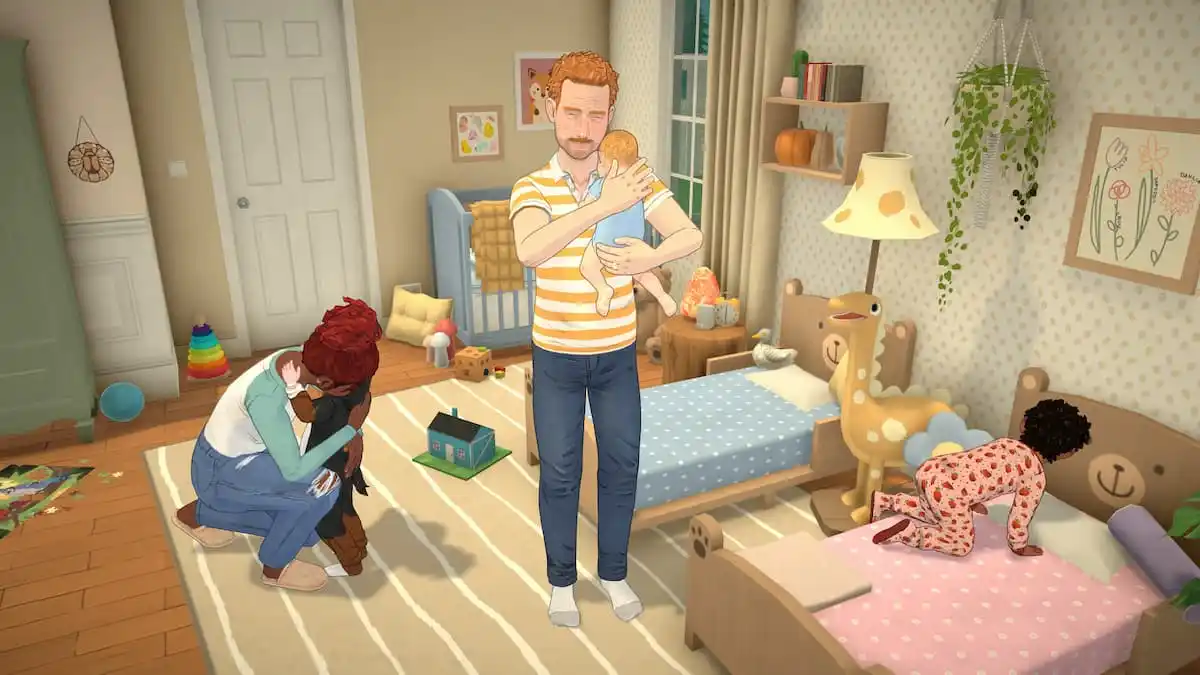
Paralives is out now in early access on PC, and it’s a life simulation title designed to be played with a mouse and keyboard. With a bunch of systems to juggle, if you need a quick reference for the default scheme, here are the complete controls for Paralives.
Paralives Complete Controls
| Action | Input |
|---|---|
| Move Camera | W / S / A / D |
| Move Camera Alternate | Up / Left / Down / Right |
| Pivot | Q / E |
| Zoom | Scroll Wheel |
| Zoom Alternate | – / = |
| Pause Time | Space |
| Time Speed 1 – 3 | 1 – 3 |
| Undo | Control + Z |
| Redo | Control + Y |
| Floor Up | Page Up |
| Floor Down | Page Down |
| Move Wall Visibility State Forward | Home |
| Move Wall Visibility State Backward | End |
| Quick Save | F5 |
| Toggle Modes | Tab |
| Town Map | M |
| Photo Mode | P |
| Build Wall | B |
| Search Build Mode Catalog | Control + F |
| Sledgehammer Mode | K |
| Pipette Mode | I |
| Lot Mode | L |
| Show Catalog | O |
| Delete | Delete |
| Toggle Grid | G |
| Rotate Item 45 Degrees Counterclockwise | , |
| Rotate Item 45 Degrees Clockwise | . |
| Rotate Item 90 Degrees | X |
| Select All Parafolks in Household | Control + U |
| Center Camera on Para | F |
How to Open the Command Console in Paralives
If you want to bring up the command console in Paralives to enter cheats or other commands, press Ctrl + F1.
