
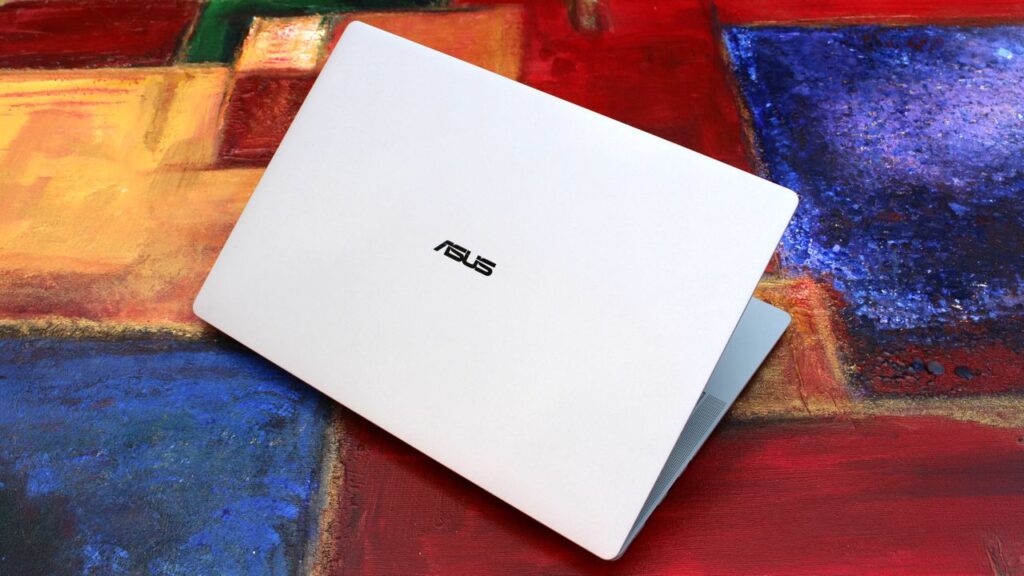

I’ve never really had much interest in “business” laptops, because most of the time they are boring as hell. Featuring plastic exteriors with subpar displays and creaky hinges, I’ve always said they actually bring down the overall reputation of the Windows laptop ecosystem.
For years and years, business laptops were boring, but ASUS’ new ExpertBook Ultra is the first business-class laptop I’ve used that has given me second thought. It’s a beautiful machine, made out of premium materials and with a thin and light design that you might find on a high-end consumer focused flagship laptop.
It’s the first business laptop I’ve used that made me want to keep using it. I was excited to unbox and set up this machine, even though it’s designed for office workers and business professionals. I can’t say I’ve ever felt this way about Dell’s or HP’s business focused laptops.
I’ve been using the ASUS ExpertBook Ultra for the last month, and this is my full review.
Specs & Price
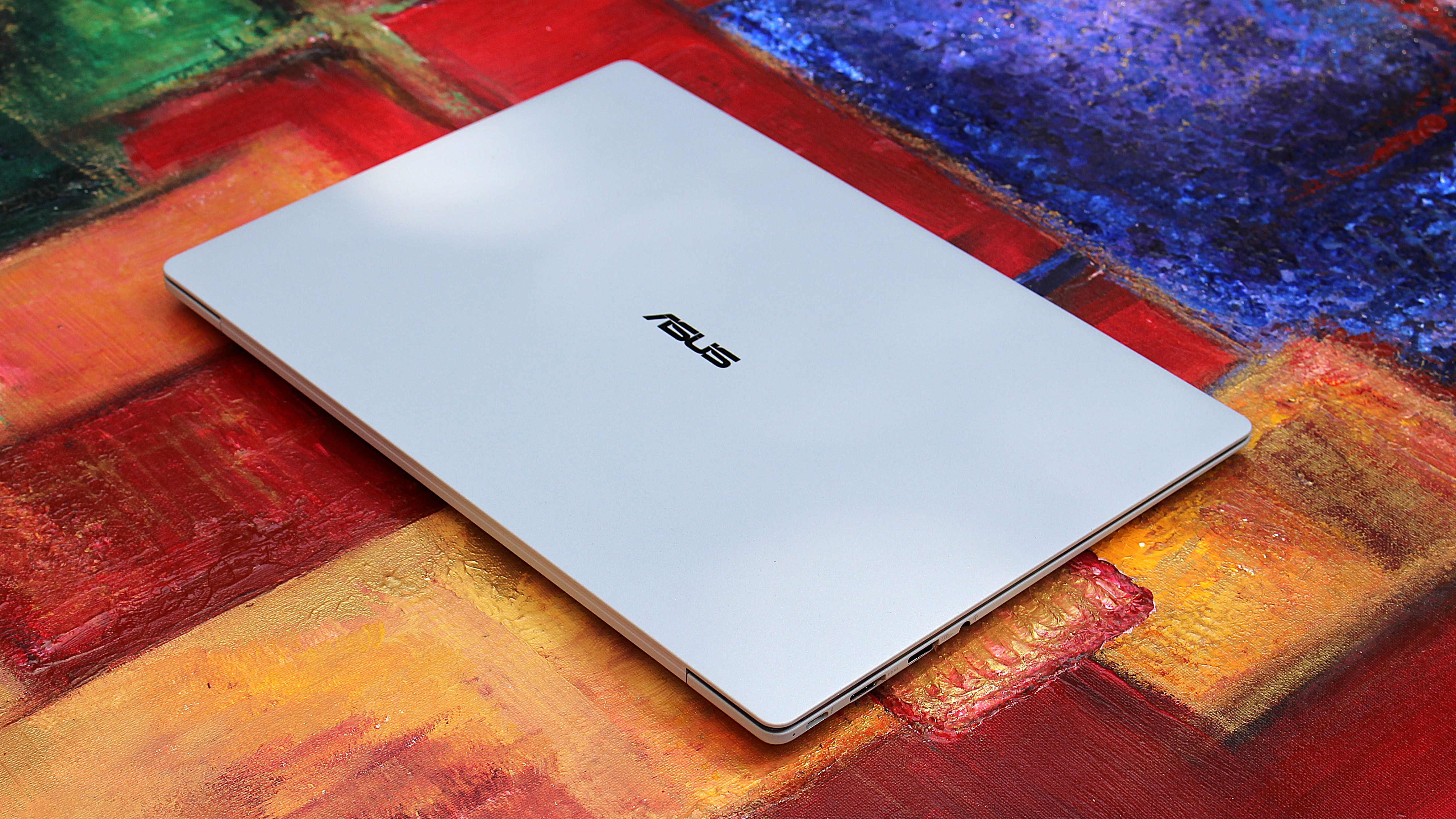
The ASUS ExpertBook Ultra is available now from ASUS for an eyewatering $3,599.99. This will net you the same spec reviewed here, with an Intel Core Ultra X7 358H, 32GB RAM, and an Intel B390 GPU. That also includes the Tandem OLED 3K display. Of course, that is ludicrously expensive, so my advice is to wait for sales or try your luck at a third-party retailers like Best Buy.
It’s available in both black and light-gray colorways, and in this review we spent time with the light-gray model which I think looks best.
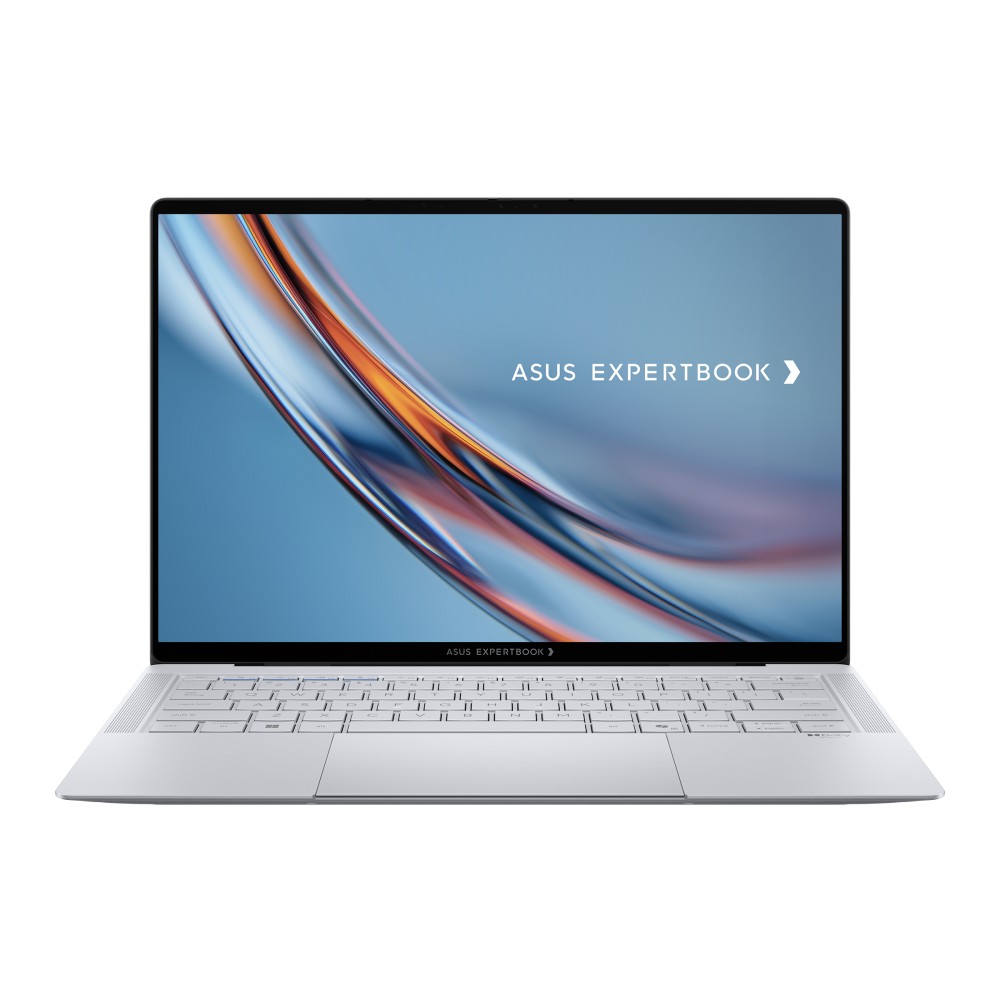
The HP OmniBook Ultra is a premium thin-and-light laptop engineered for elite performance, all day battery life, and immersive visual experiences.
|
Category |
Specification |
|---|---|
|
Dimensions & Weight |
10.9 mm thin | 0.99 kg (2.18 lbs) |
|
Chassis Build |
Aviation-inspired Magnesium-Aluminum Alloy with Nano Ceramic Technology (9H Durability) |
|
Processor |
Up to Intel® Core™ Ultra X9 Series 3 (Intel vPro® support) |
|
AI Performance (NPU) |
50 TOPS NPU (Up to 180 total-platform TOPS) |
|
Graphics |
Up to Intel® Arc™ Pro Graphics |
|
RAM |
Up to 64 GB LPDDR5x |
|
Display |
14-inch 3K Tandem OLED Touchscreen |
|
Display Features |
Up to 1400 nits HDR peak brightness, 30–120 Hz variable refresh rate, 100% DCI-P3 / sRGB color gamut |
|
Screen Glass & Coating |
Corning® Gorilla® Glass Victus® with Gorilla® Matte Anti-Reflective Coating |
|
Cooling System |
ASUS ExpertCool Pro (Up to 50W TDP performance in Turbo mode; under 28 dB in Balanced mode) |
|
Audio |
6-speaker system (2 dual-magnetic woofers + 2 tweeters) with AI noise cancellation |
|
Webcam & Biometrics |
High-resolution camera with Windows Hello IR face recognition & Match-On-Chip fingerprint sensor in power button |
|
Trackpad & Keyboard |
110 cm² glass haptic touchpad (6 force sensors); Backlit smudge-resistant keyboard |
|
Battery & Charging |
Up to 26 hours battery life; Fast charging (50% in 30 minutes via USB PD 3.0) |
|
I/O Ports |
2 x Thunderbolt™ 4 Type-C (Power Delivery & DisplayPort) |
|
Wireless Connectivity |
WiFi 7 (802.11be) with Laser Direct Structuring (LDS) antenna |
|
Security |
ASUS ExpertGuardian (NIST SP 800-193 compliant), Discrete TPM 2.0, Microsoft Pluton, Secured-core PC |
What I love
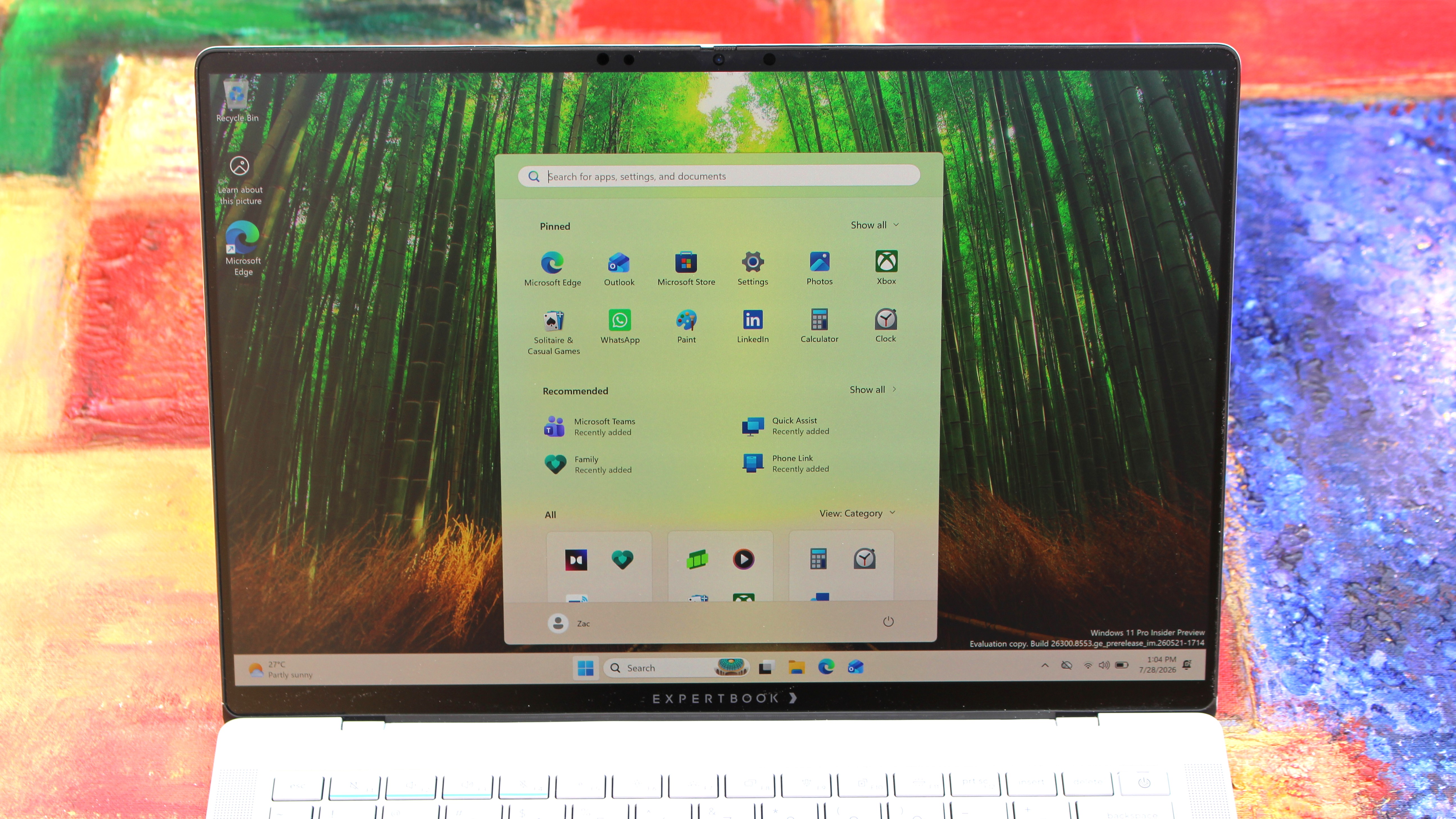
Kicking things off, let’s talk about design. In a word, I love the design of the ExpertBook. It’s proof that business laptops need not be boring and corporate. The ExpertBook is anything but, featuring ultra-thin bezels and a unique finish on the chassis that ASUS calls Nano Ceramic Technology.
This Nano Ceramic feels amazing. It provides a distinct, silky matte texture to the whole device, which makes it easy to grip and does a fantastic job at hiding fingerprints and scratches. The device itself is also shockingly light and thin, coming in at just 0.99 kg and measuring a razor-thin 10.9 mm in profile. It’s an almost impossibly light device, easily maneuverable with one hand and disappears when placed into any backpack, making it an excellent travel companion.
Simply put, the laptop strikes a great balance between executive minimalism and futuristic flair. That futuristic flair is best showcased when opening the laptop. Every time you open it, a lightbar that exists below the display will light up to let you know that the laptop is booting or waking up from sleep. ASUS calls this bar the “ExpertLumi” lighting system, and it provides an ambient glow whenever the device is booting or restarting.
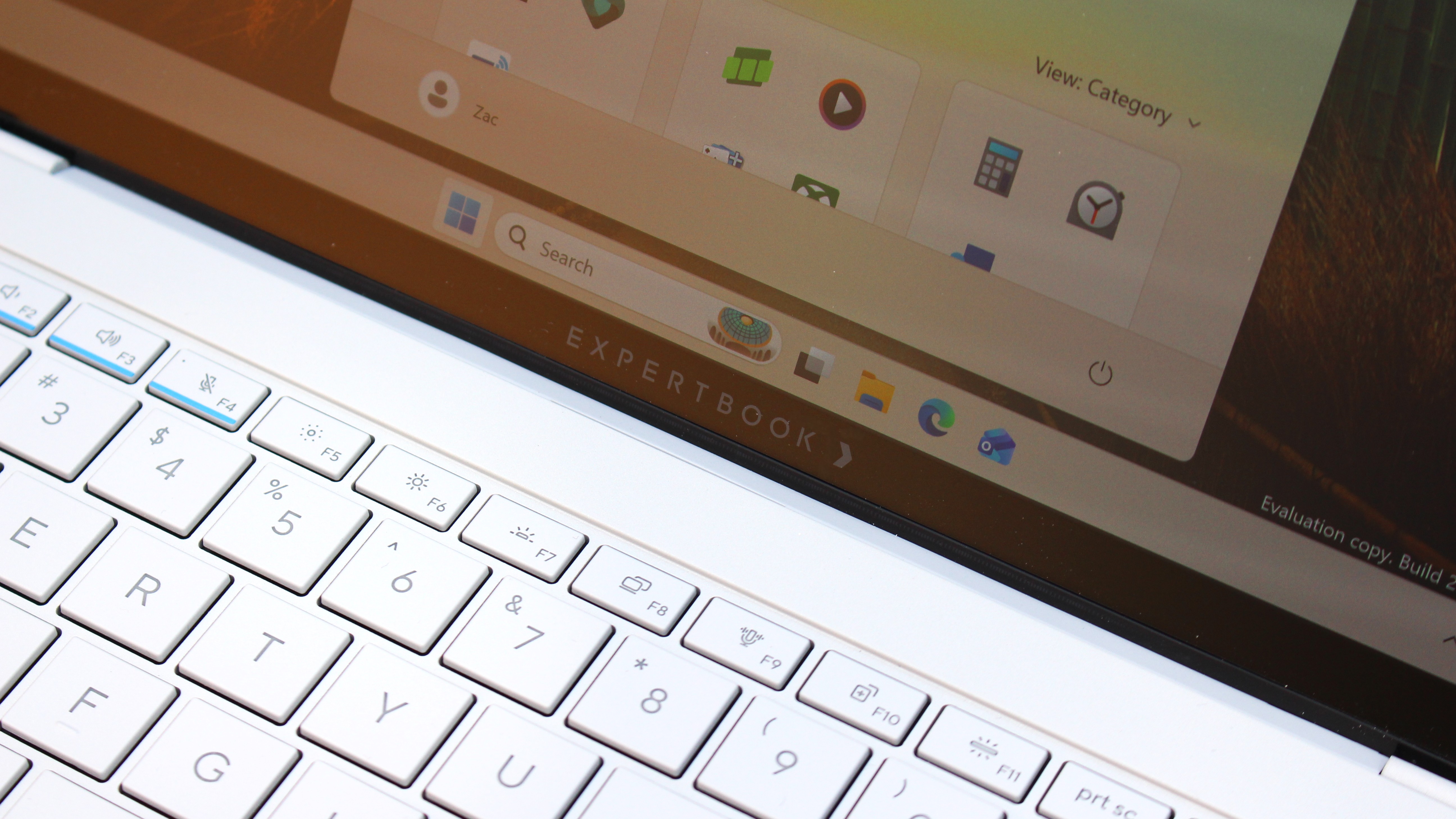
You can turn off the ExpertLumi bar if you don’t like it, but honestly, why would you. It’s something unique about the device which I love, and it’s not used often enough for it to be annoying. It’s there when you boot up, or power off, and that’s about it.
Above the ExpertLumi bar is the incredible 3K Tandem OLED 14-inch display. It’s arguably the best thing about this laptop, offering great color contrast, colors that pop, and a high 120Hz refresh rate that makes scrolling and animations super smooth.
|
Attribute |
Specification |
|---|---|
|
Panel Type |
3K Tandem OLED Touchscreen |
|
Peak Brightness |
1400 nits HDR |
|
Refresh Rate |
30 – 120 Hz Variable |
|
Color Accuracy |
100% DCI-P3 / 100% sRGB |
|
Glass Protection |
Corning Gorilla Glass Victus with Matte Finish |
The display also features Corning Gorilla Glass Victus, complete with a matte finish that’s designed to remove reflections and make the screen easy to see outdoors. It works wonders, with this laptop being one of the best when it comes to viewing it outdoors on a sunny day.
With that said, the matte finish does mean text and image clarity is slightly reduced. It’s not the end of the world, and the display is still plenty sharp, but if you’re used to high-resolution glossy displays like myself, the matte finish on this display will make text seem a little fuzzier around the edges.
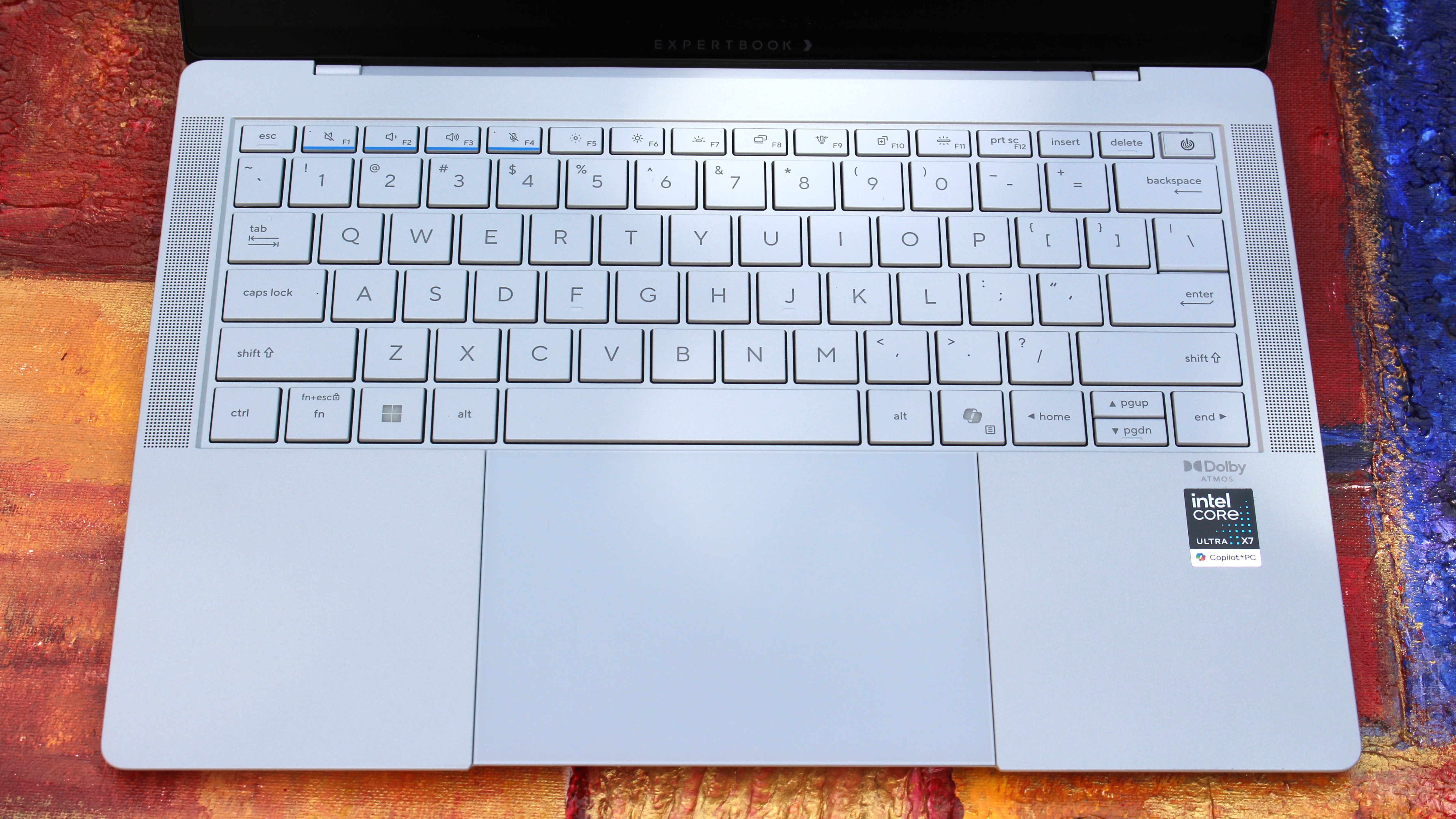
In regards to the keyboard and trackpad, I have no notes. Both are perfect and feel incredibly satisfying to use. The trackpad is a haptic one, which is tuned perfectly so that it feels natural to use. Its design is also quite unique, as the trackpad itself runs all the way to the very edge of the device.
That means the trackpad hangs over the edge of the device, which doubles as a convenient place to place your finger when prying the lid open. On that subject, the lid is openable with one-hand, for those who care about that sort of thing. The keyboard is excellent to type on, with a quiet yet tactile feel that makes typing easy.
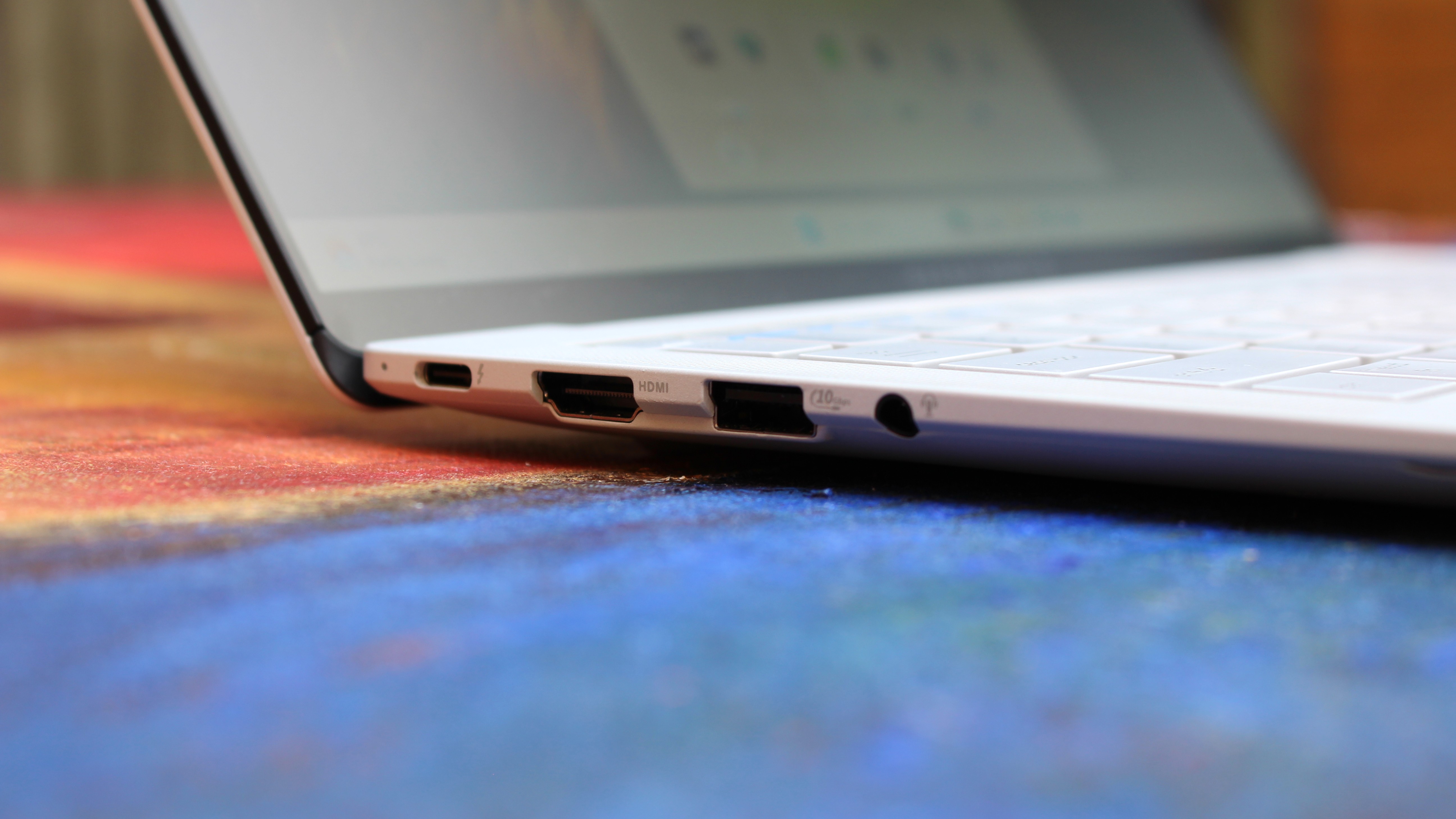
Coming onto the ports selection, I’m happy. There’s plenty of ports on this device, all of which are well spec’d. We have two Thunerbolt 4 Type-C ports, supporting up to 40Gbps of data, as well as one USB-A 3.2 Gen2 port 1x full-sized HDMI 2.1 port, and a 3.5mm audio jack. The only port I’d say it’s missing that I wish it had is an ethernet jack, but I’m content without one.
The webcam, microphone, and speakers are also great, which you’d hope would be the case on a business-focused laptop. Image quality is crisp and clear in well lit environments, with the picture only getting a little noisy in low-light environments. Perfectly acceptable for video calls at work.
What’s not good
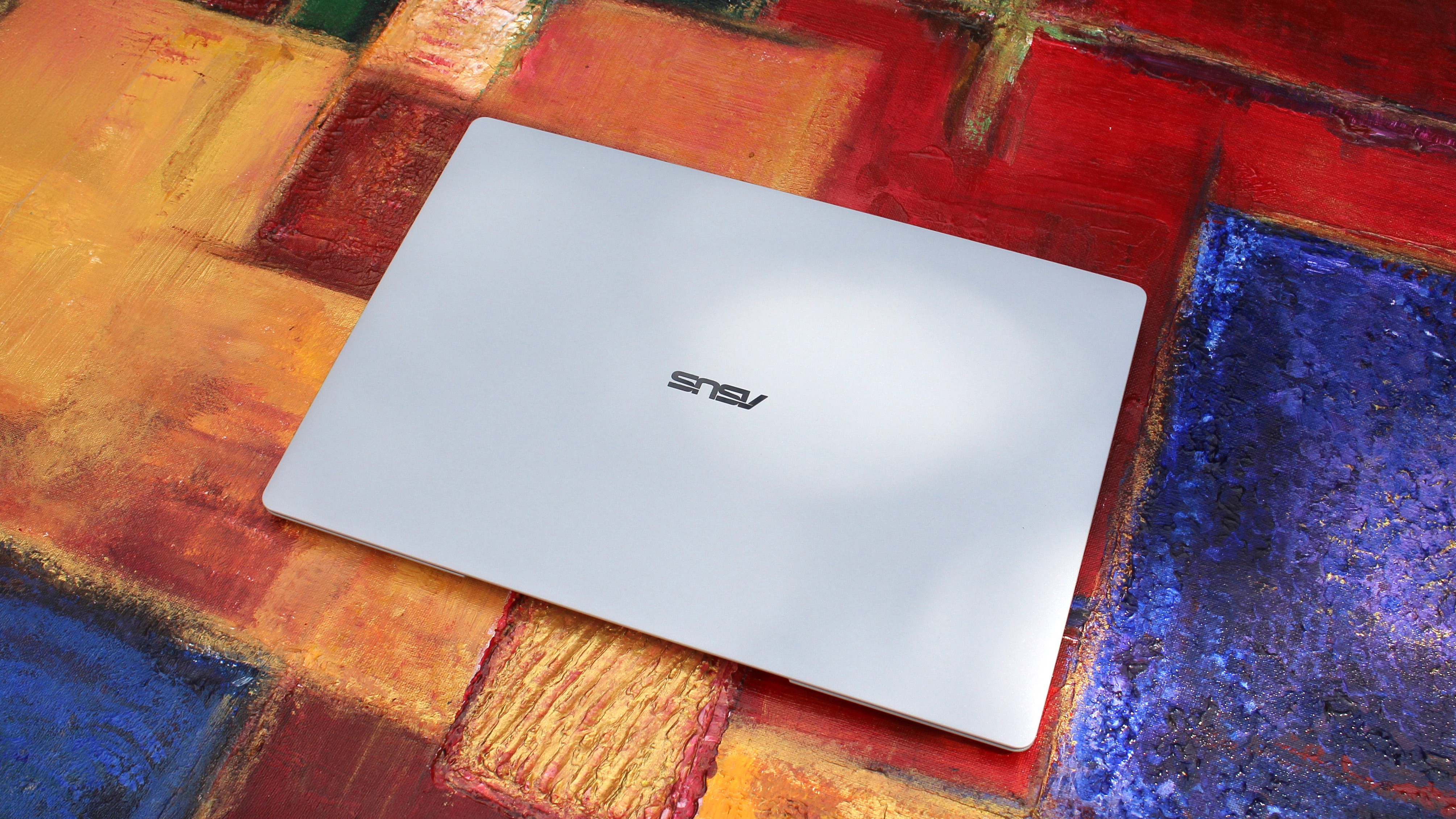
The ASUS ExpertBook Ultra is mostly great, which means I have very little to talk about that I’d class as “not good” about the ExpertBook. One issue that plagued my review unit it the laptop’s hinge, which was very loose out of the box, so much so that the device wouldn’t stay at a usable angle when typing.
This is a pretty big issue, but ASUS was quick to assure me that this was simply a pre-production issue and would not be the case on final units, which are now shipping. I can confirm that retail units that I have tested do not have this problem, though it’s worth keeping an eye out just in case. If your laptop’s hinge is super loose to the point where it won’t stay upright when typing, make sure you get it exchanged.
The only other “issue” which isn’t really an issue is the matte finish on the display. It really does come down to personal preference here, and I just prefer glossy screens over matte finishes. The matte finish on this display takes away from the color contrast you usually get on OLED displays, colors are a little more washed out and text and images are a little less sharp around the edges.
I wish ASUS offered the ExpertBook Ultra with multiple display configurations so I could choose one without the matte finish.
I think the real big problem with this laptop is its price. It’s $3,599, which is an absurd price which, even when a laptop is this good, isn’t worth it. The ongoing component shortage is the reason why pricing is this high, but as a result this is a super hard recommend to anyone that isn’t buying these in bulk for a fleet of executives and managers.
Performance & Battery
Powering things under the hood, we have an Intel Core Ultra X7 358H paired with 32GB RAM and an Intel Arc B390 GPU. This is a very well equipped PC with plenty of power under the hood for day to day productivity tasks, multitasking, and even video and photo editing and rendering.
In fact the Intel B390 GPU in here is more than just your typical integrated graphics. It balances efficiency with power, resulting in an integrated graphics chip that is surprisingly capable at gaming when settings are lowered to 1080p medium. With that in mind, this is not a gaming laptop and should not be judged as one.
Although the device is super thin, the ExpertBook is still plenty capable. It keeps that Intel Core Ultra cool, allowing the CPU to boost up to 50W TDP in Turbo Mode without thermal throttling issues. In day-to-day productivity tasks involving handling dozens of browser tabs, streaming 4K video, compiling code, and running local AI tasks via its 50 TOPS NPU, the machine stays remarkably quiet (under 28 dB in Balanced mode) and snappy.
In regards to battery life, this laptop will last you all day on a single charge with no sweat for your usual day to day productivity task workflows. Obviously, that number will be less if you’re doing high-intensity tasks, but for the most part you should be able to leave your charger at home for an office-based productivity workday.
|
Metric |
Real-World Expectation |
|---|---|
|
Battery Life (Light Usage) |
Up to 18–20 hours |
|
Battery Life (Heavy Workday) |
12–14 hours comfortably |
|
Fast Charging |
0 to 50% in ~30 minutes via USB-C PD |
Conclusion
You should buy this PC if…
✅ You want a lightweight flagship Windows laptop
✅ You need a PC with an anti-reflective screen and Tandem OLED
✅ You need lots of ports on your laptop
You should not buy this PC if…
❌ You prefer glossy displays
❌ You don’t want to spend over $3,000 on a laptop
❌ You’re a hardcore gamer who wants to game
Ultimately, the ASUS ExpertBook Ultra is an incredible laptop, but at $3,599, it’s not something I can recommend most people go out and buy. It’s just too expensive for what it is, even if it is an almost perfect thin and light laptop.
If we ignore that stupidly high price tag, I have very little to complain about here. The Nano Ceramic material that coats the chassis is unique and looks and feels amazing. Its lightweighted-ness is also otherworldly, and the Tandem OLED display is to die for, even with its matte finish which I’m not a huge fan of.
If you can find the ExpertBook Ultra on sale for less than $2,500, this gets a recommendation from me. Anything more than that, and I think you should probably look elsewhere as there are many other laptops that cost lest that do a great job at matching the ExpertBook Ultra in design and performance.
The HP OmniBook Ultra is a premium thin-and-light laptop engineered for elite performance, all day battery life, and immersive visual experiences.