
How to use PowerToys Command Palette on Windows 11 to launch apps, run commands, search faster, and extend features with extensions.
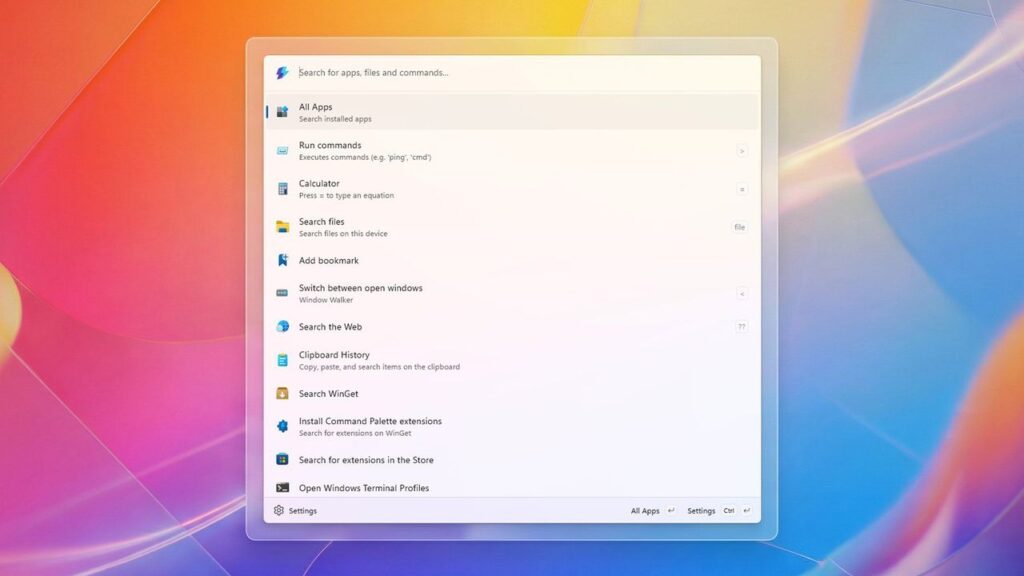
How to get started with PowerToys Command Palette on Windows 11 — an answer to macOS Spotlight for Windows PCs
Posted by
 3
3
3

This is a great resource for anyone looking to enhance their productivity on Windows 11! The PowerToys Command Palette seems like a powerful tool for streamlining tasks. Thanks for sharing these insights!
Thank you for your comment! The PowerToys Command Palette is indeed a fantastic tool for boosting productivity, especially with its ability to quickly access settings and files. It can really streamline workflows for users who juggle multiple tasks.
You’re welcome! It really does streamline workflows. One great feature is its ability to create custom shortcuts, which can save even more time when accessing frequently used apps or commands. Have you tried customizing yours yet?