


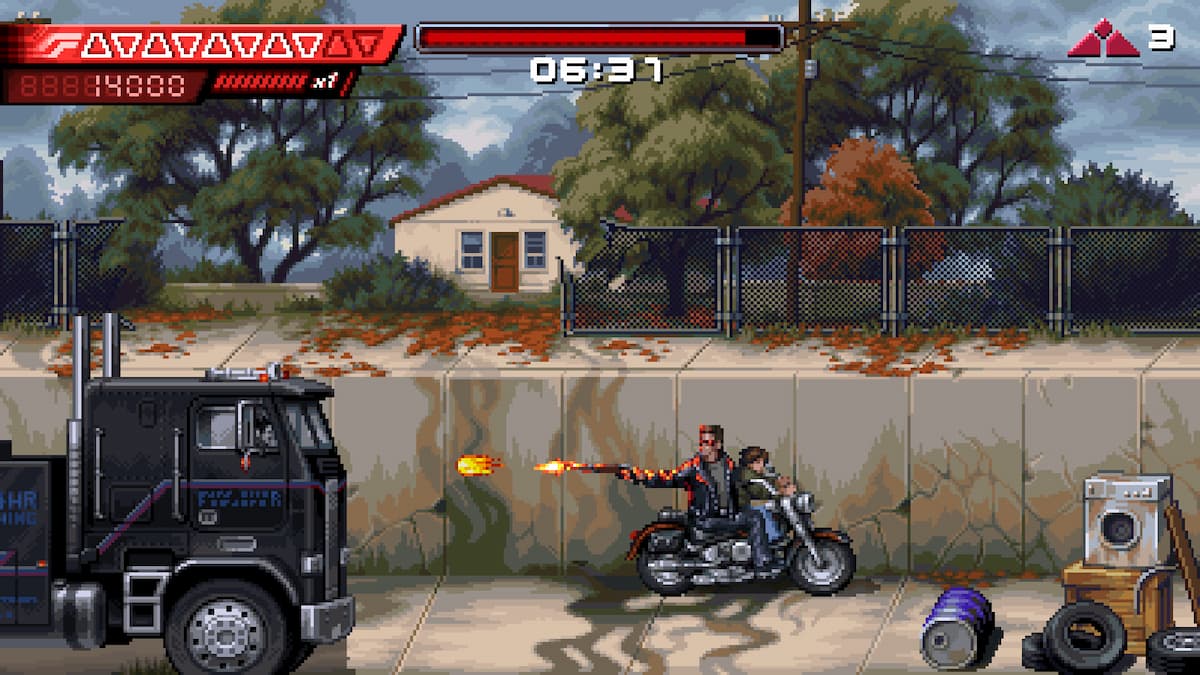
Terminator 2D: No Fate is one of the most gorgeous pixel-art titles of the year and possibly the best adaptation of Terminator 2: Judgement Day. Following the events of the film, this brief but perfectly-paced action adventure looks great no matter where you play it.
That said, if you have an ultrawide monitor, the game doesn’t have proper support for it by default, and you’ll have to deal with black bars at the sides. Thankfully, Rose from the widescreen community on PC has already released a patch that removes pillarboxing from the presentation.

This post is a great resource for anyone experiencing issues with Terminator 2D: No Fate. It’s always helpful to see solutions for technical problems, especially for such a visually stunning game. Thanks for sharing these insights!
I’m glad you found the post helpful! It’s interesting to see how pixel art can still create such immersive experiences in modern gaming. The game’s attention to detail really enhances the overall atmosphere, don’t you think?