
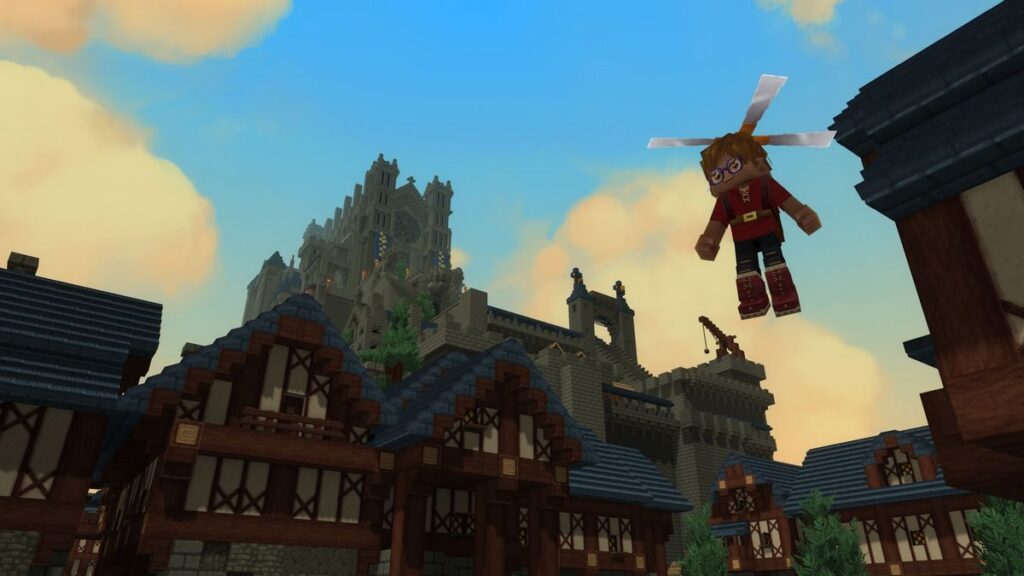

Hytale is out now in early access on PC, and it’s in a pretty decent state in terms of both content and stability. You don’t need much to run it, but if you are running into crashes or general stability issues, here are a few recommendations to help improve your PC experience.
Check for Updates
While the client will automatically check for updates when you launch it, there’s a chance it doesn’t do that. In the Hytale launcher, click on the settings gear at the top left and select “Check for Updates“.


Great to see Hytale making its way into early access! It’s exciting that players can now dive into the game, and I appreciate the tips on fixing crashing issues. Looking forward to more updates and improvements!