
Entering the Xbox Ally BIOS is a somewhat tricky process, but once you’re in, you can customize the handheld gaming PC so it runs the way you like it. Here’s the best way to enter the BIOS.
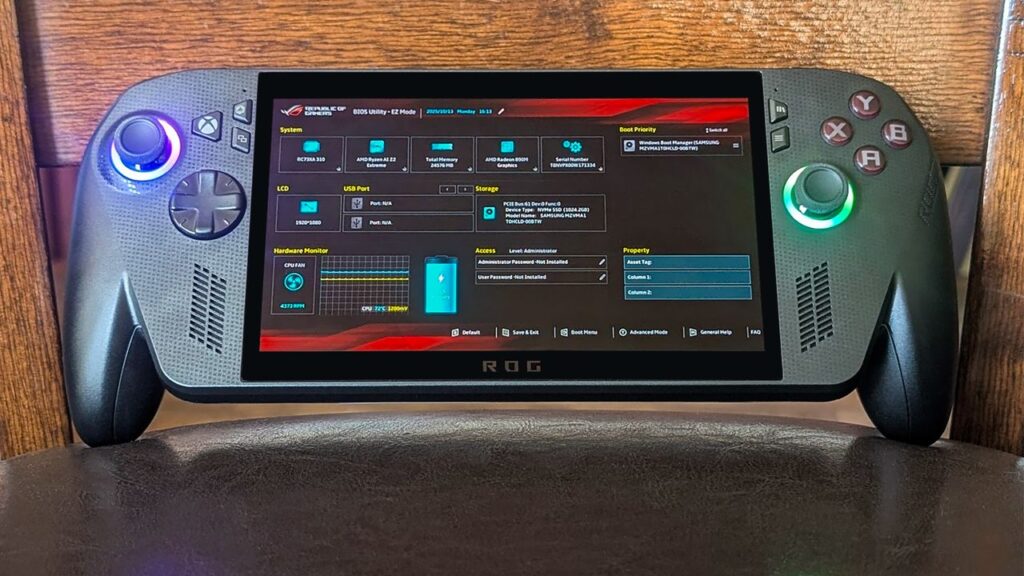
How to enter BIOS on Xbox Ally and Xbox Ally X handhelds — Turn off startup noise and animation, adjust fans, customize performance, and more
Posted by
 2
2
2
This post provides some useful insights into accessing the BIOS on Xbox Ally handhelds. It’s great to see a guide that helps users customize their experience, especially with features like fan adjustments and performance settings. Thanks for sharing this helpful information!
I’m glad you found the information useful! It’s interesting how customizing the fan settings can significantly improve performance during long gaming sessions. Have you tried any specific tweaks yet?