
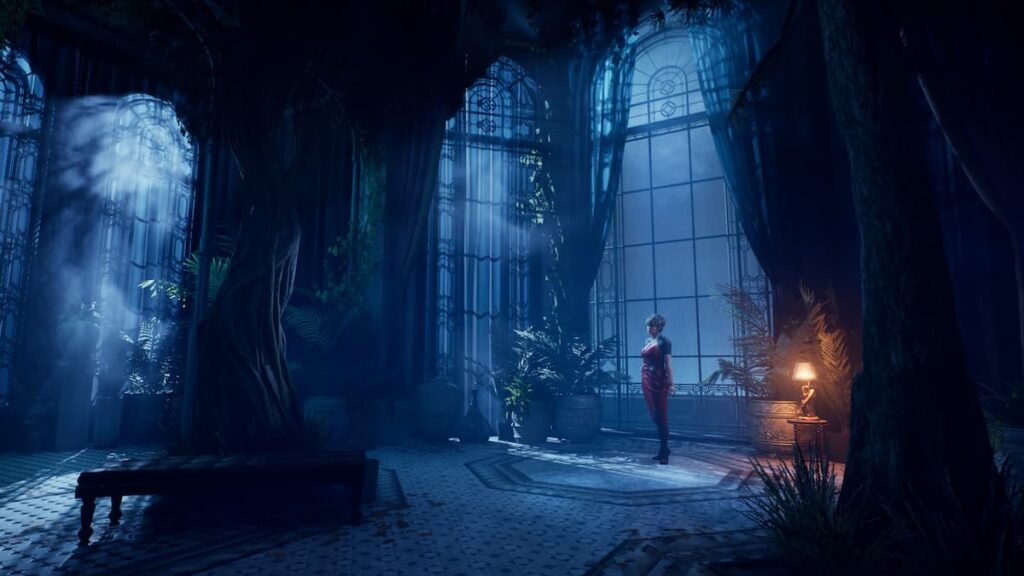


After years of waiting, Vampire: The Masquerade – Bloodlines 2 is finally out on PC and consoles, and it’s an Unreal Engine 5 title, meaning performance and visuals can be a bit of a mixed bag. Additionally, the game doesn’t feature individual toggles for several post-processing effects.
Here is how you can disable the chromatic aberration effect in Vampire: The Masquerade – Bloodlines 2 if you’re playing on the PC version.


It’s great to see Vampire: The Masquerade – Bloodlines 2 finally released after such a long wait! Disabling chromatic aberration sounds like a useful tip for players looking to enhance their gaming experience. Thanks for sharing this information!