
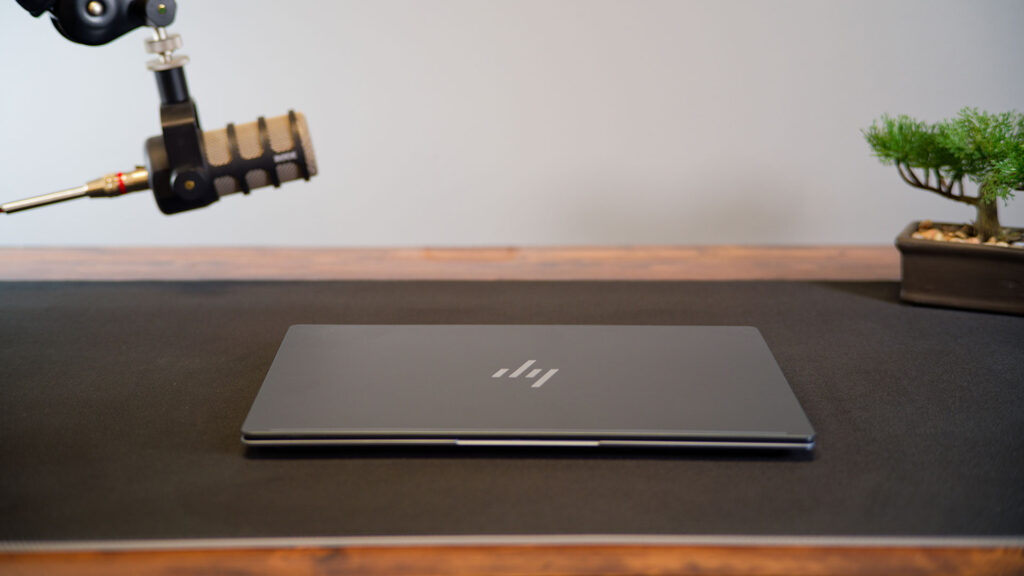

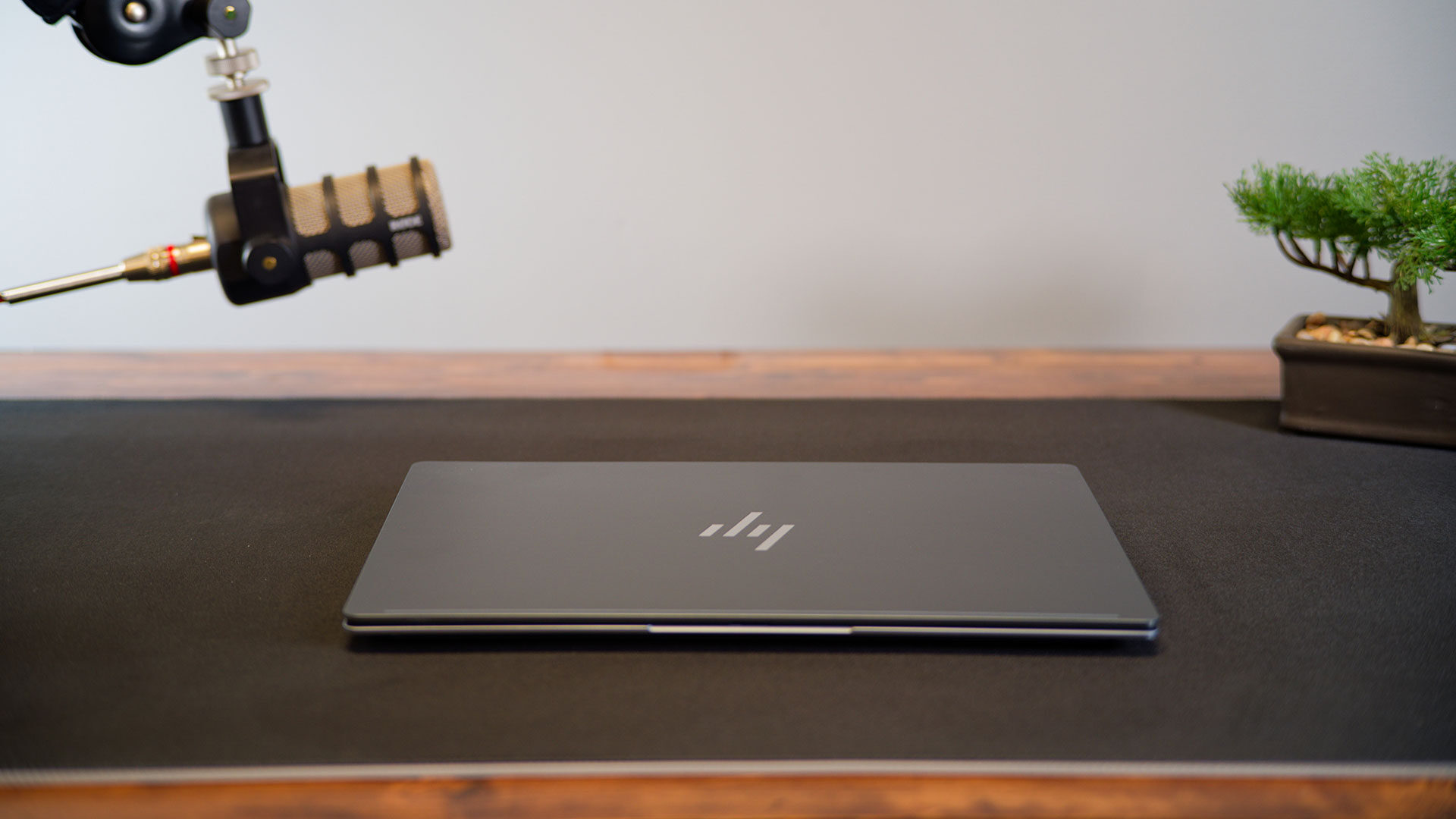
CES 2026 is here, and with it some of the coolest and most bleeding-edge tech is being announced. I was lucky enough to get some time with HP’s newest laptop, the OmniBook Ultra 14, and I have to say I am impressed. This next-generation laptop is a showcase for what AI laptops are meant to look like. It is slim and rigid, and it is built around on-device intelligence rather than raw chips alone. It targets professionals and creators who want long battery life and powerful local AI tools without giving up a traditional clamshell form factor, and it even manages to deliver the performance I crave in an incredibly stylish package.
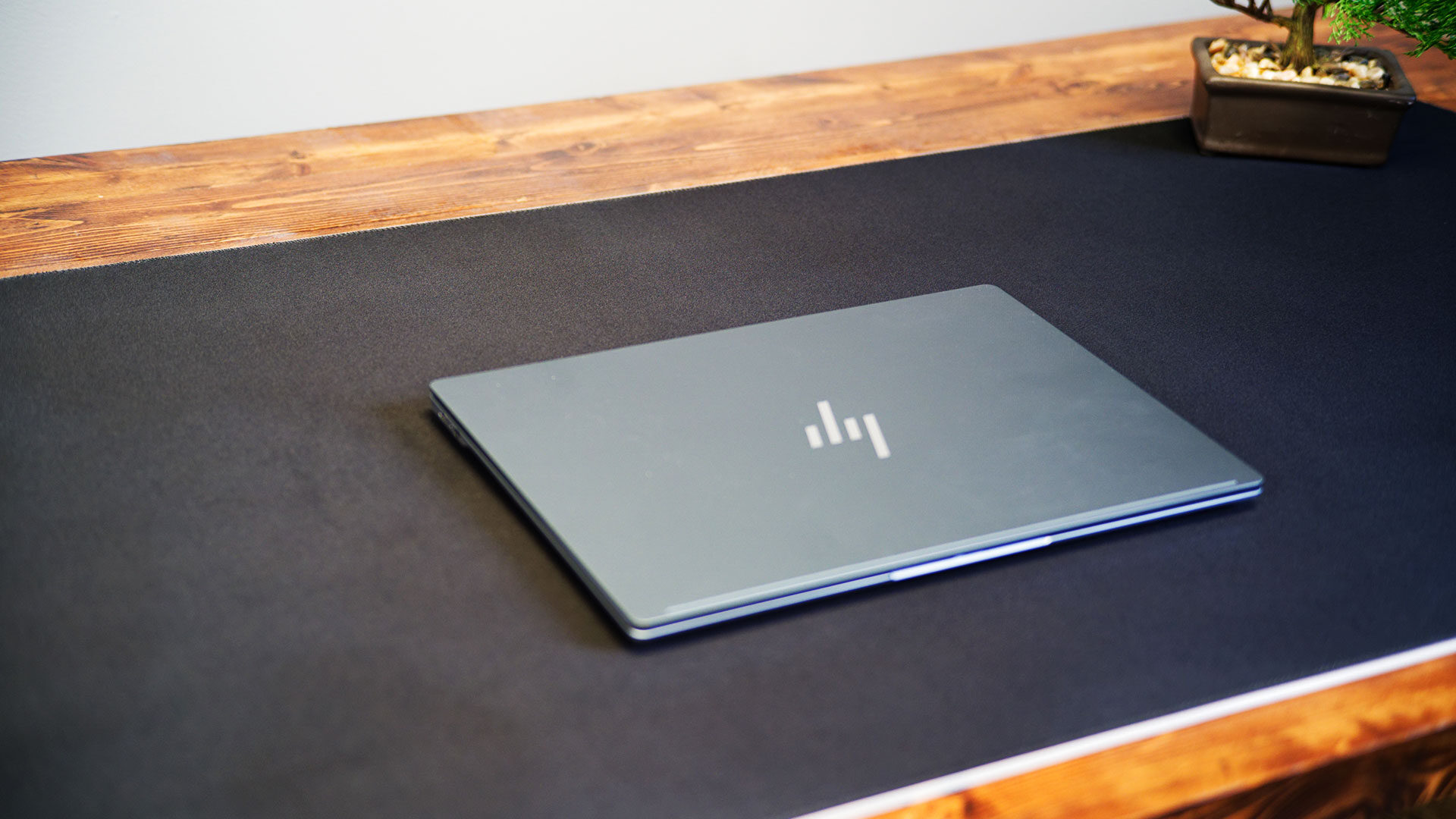
From the minute I unboxed the machine, I was impressed by how slick it looked. The chassis is forged from anodized aluminum with a sandblasted finish designed to resist fingerprints and everyday scuffs. Despite its focus on durability, the notebook’s footprint stays compact, with a 14-inch screen in a body that measures roughly 12.25 inches by 8.49 inches and tapers to well under half an inch at its thinnest point. It all works to make for a striking laptop that feels good in the hand while looking fantastic compared to laptops already on the market.
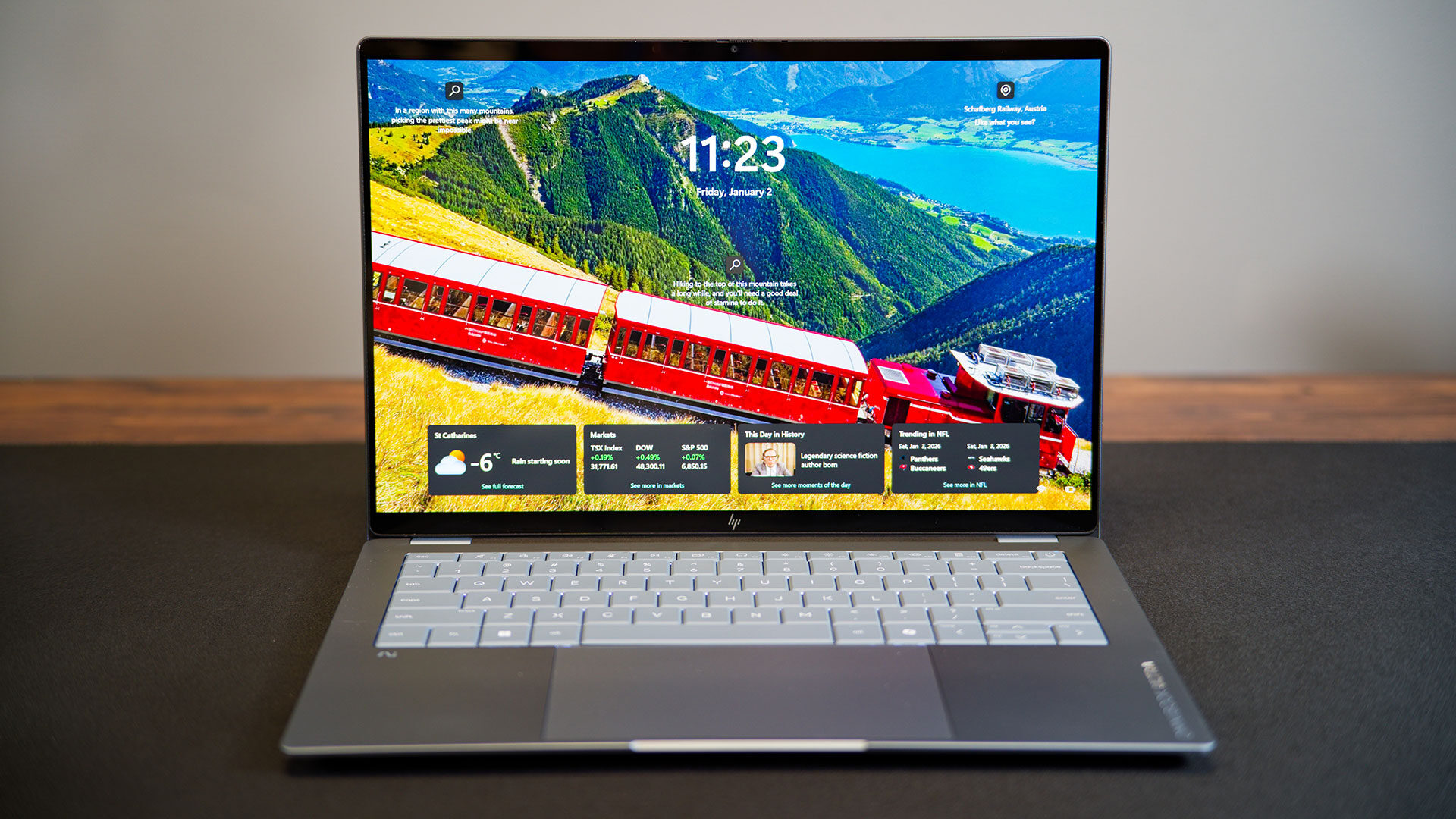
The OmniBook Ultra 14 can be configured with up to a 3K OLED panel with a 2,880-by-1,800-pixel resolution and a tall 16:10 aspect ratio that favours documents, timelines and browser tabs. It is stunning to look at and brilliant to use. The OLED option supports up to a 120 Hz variable refresh rate and HDR brightness that peaks around 1,100 nits. It covers the DCI-P3 colour space, with factory calibration targeting a Delta E of about 1 for colour-critical work. Corning Gorilla Glass, low blue light tuning and HP’s Eye Ease settings round out the panel, supporting long sessions without sacrificing sharpness or contrast.
Looking at the OmniBook Ultra 14 opened, I would describe the keyboard and trackpad as good, but not amazing. I have gone on record about how much I have loved some HP keyboards in the past, so I approached this laptop with high expectations.
While it is by no means a bad keyboard, I did not love it as much as I thought I would. It is comfortable to type on and, for the most part, feels responsive, but it does not offer the satisfying click I like in a laptop keyboard. It feels a bit mushy to me. There is enough room to type, with the layout feeling spacious enough for most of what I want to do; I just wish the keyboard felt a bit more refined and responsive.
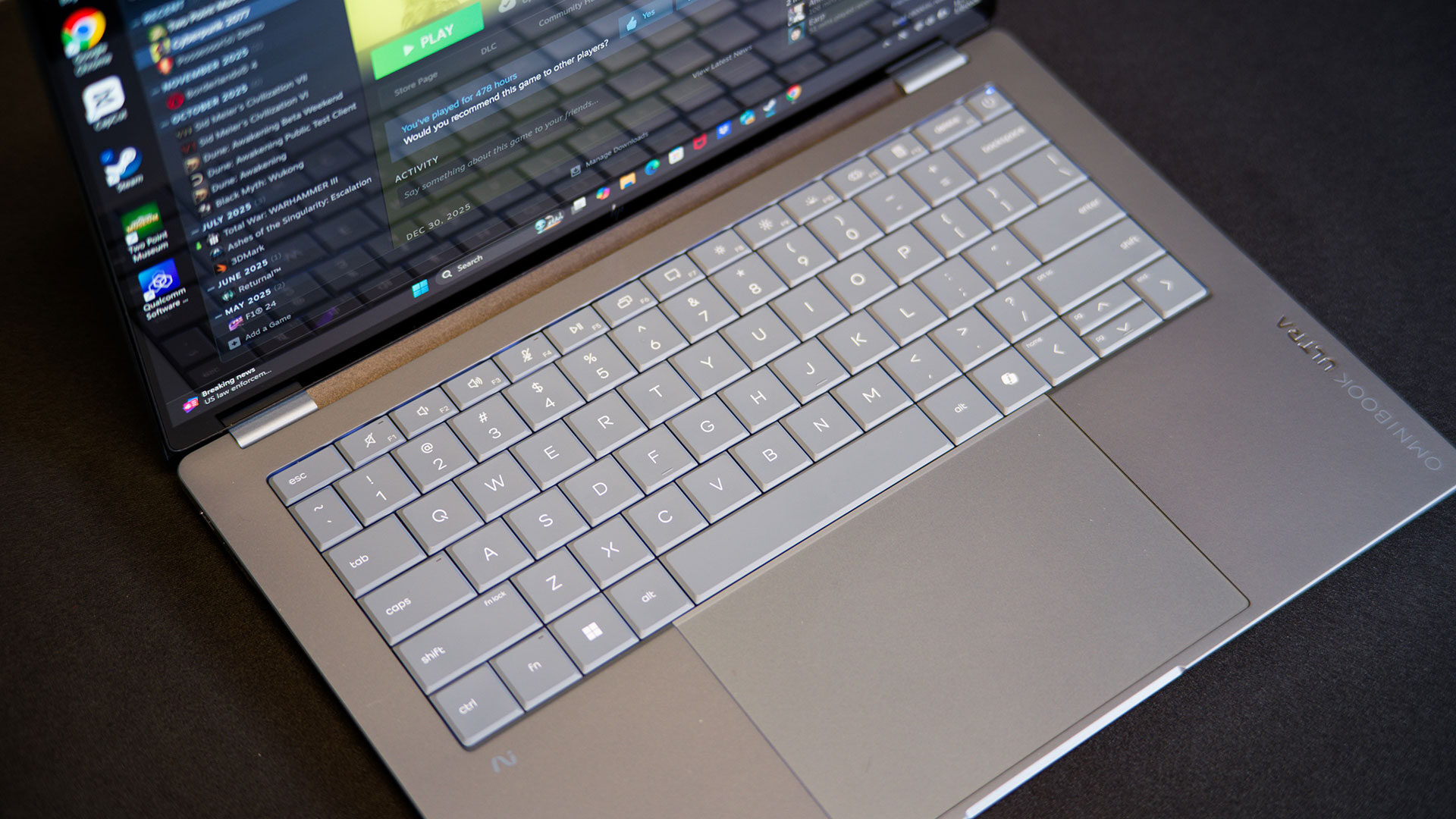
On the touchpad side of the OmniBook Ultra 14, I really like what HP has done with the OmniBook Ultra 14. At just over six inches across, it gives plenty of space to tackle a wide range of tasks with ease. It is smooth, easy to use and offers solid palm rejection. It is not a haptic touchpad. It still uses a physical click, but I feel it works well overall and offers the precision I need for most of my tasks. For anything design-related, though, I still felt I needed to pull out my portable mouse.
If you have been following recent laptop developments, the most exciting change here is Qualcomm’s latest Snapdragon X2 family at the core of this machine. The Elite and Plus variants scale from 10 to 18 CPU cores, depending on configuration. These chips are paired with an updated Hexagon NPU that delivers about 80 to 85 trillion operations per second of AI acceleration, a figure that matters less as a raw benchmark and more as proof that tasks such as live transcription, background blurring and generative tools can run locally instead of bouncing off a data centre.
Graphics are handled by integrated Adreno GPUs, which benefit from Qualcomm’s push toward higher performance per watt over the previous generation. These are the latest chips out of Qualcomm, and they represent a noticeable update compared with the Snapdragon X we saw in last year’s laptops.
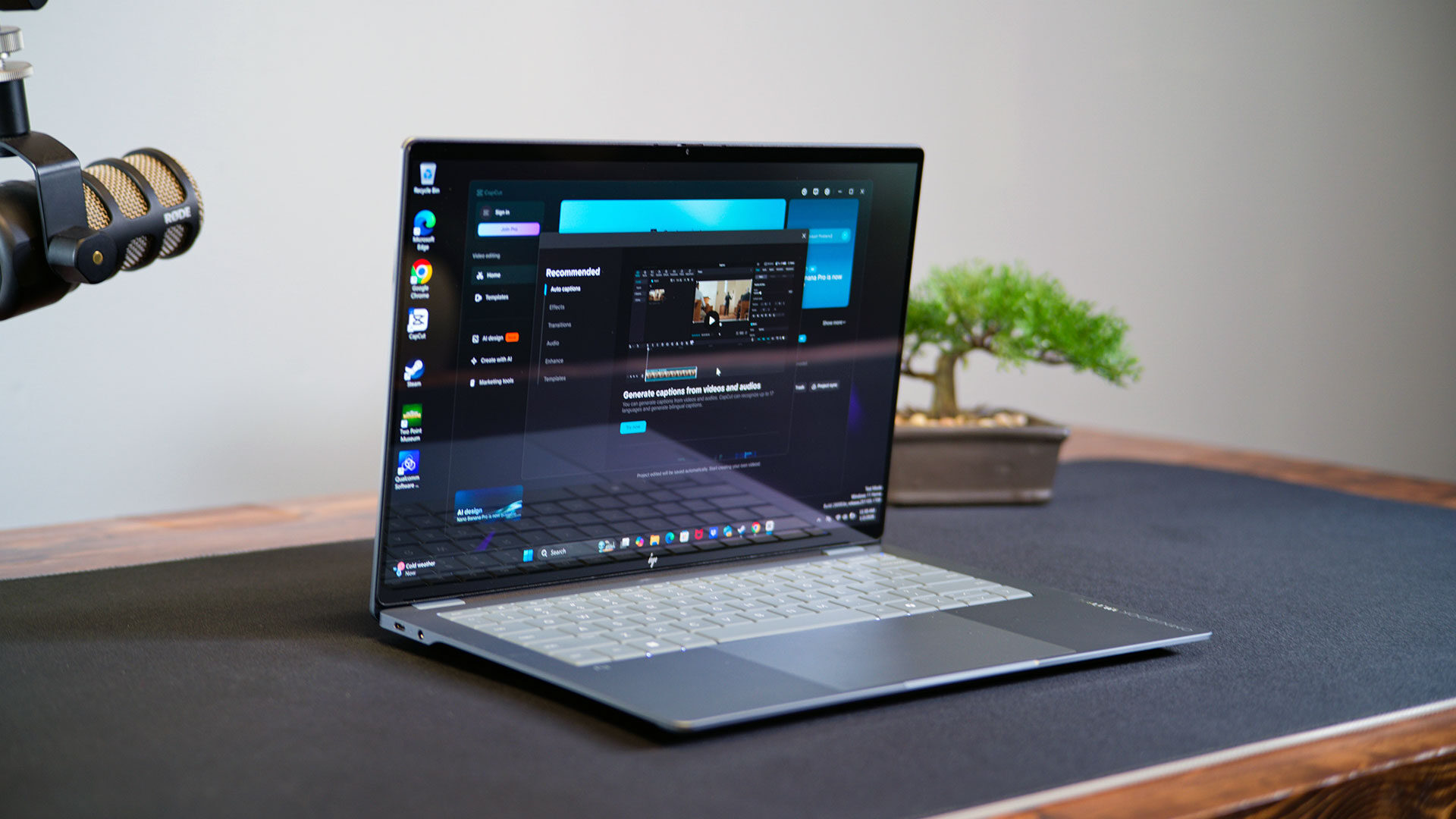
For context, we at CGMagazine have reviewed our fair share of Qualcomm-based laptops. They were solid when it came to battery life, but there were issues when you wanted to run apps that were not optimized for ARM, and gaming was a struggle. The X2 is a different beast and feels like a clear step in the right direction. You still get the battery life we saw with the last iteration, but what impressed me most in testing was how smooth apps and games now run, all without making the laptop feel as if it is fighting against me.
This time around, the Snapdragon X2 Elite in the OmniBook Ultra 14 model I was sent for testing felt snappy and responsive in everything I threw at it. DaVinci Resolve opened quickly and jumped into video editing with no issues at all, and even rendering out a timeline was easy and fast. CapCut told a similar story, with all the editing feeling quick and responsive, even when I played with some of the effects that help make YouTube Shorts and similar clips easier and give them an extra level of visual flair.
Jumping into Photoshop and Lightroom on the OmniBook Ultra 14 also felt solid on the laptop, with a range of editing scenarios all running flawlessly. I will admit that most of the software I have described has ARM-compatible versions available, and there is something to be said for the Prism emulation layer being improved in recent versions of Windows, but that is only half the picture. The same apps, tested this week on last year’s iteration of the Snapdragon X Elite, struggled much more when I pushed them through the same basic workflows.
I will note that the OmniBook Ultra 14 I was sent was a fairly high-spec configuration for this article, so it can be hard to compare with some of the other models we have reviewed. The OmniBook Ultra 14 boasts 32 GB of LPDDR5X memory and a 512 GB PCIe Gen 5 SSD, but this machine can be specced out even further if you wish. The OmniBook Ultra 14 can be configured with up to 64 GB of RAM and PCIe Gen 5 NVMe storage up to 2 TB, leaving headroom for large project files and local AI models.
To keep the system running quietly in such a thin frame, the OmniBook Ultra 14 uses the series’s first compact vapour-chamber cooling design. It spreads heat across a larger surface instead of relying solely on small heat pipes. The goal is sustained performance in a chassis that remains cool enough to rest on a lap, even when the NPU and GPU are active for extended periods.
I did not open up the machine to see how it all looked, but having used the laptop for a few weeks now, I can say it never gave me issues of getting to hot to use, and even when I was testing out gaming and some of the more intense software I touched on above, I never had issues of it feeling hot or even see it have thermal issues at all.
But it is the gaming that impressed me most, and it is what made me stop and think about Qualcomm. When these chips are kitted out with the right specs to compete with the likes of AMD and Intel, they can deliver an impressive level of performance. Now, do not get me wrong: the OmniBook Ultra 14 is not a gaming machine. It feels much more like a smartly engineered business laptop built to dominate in an office setting, but that does not mean it cannot deliver some playable experiences.
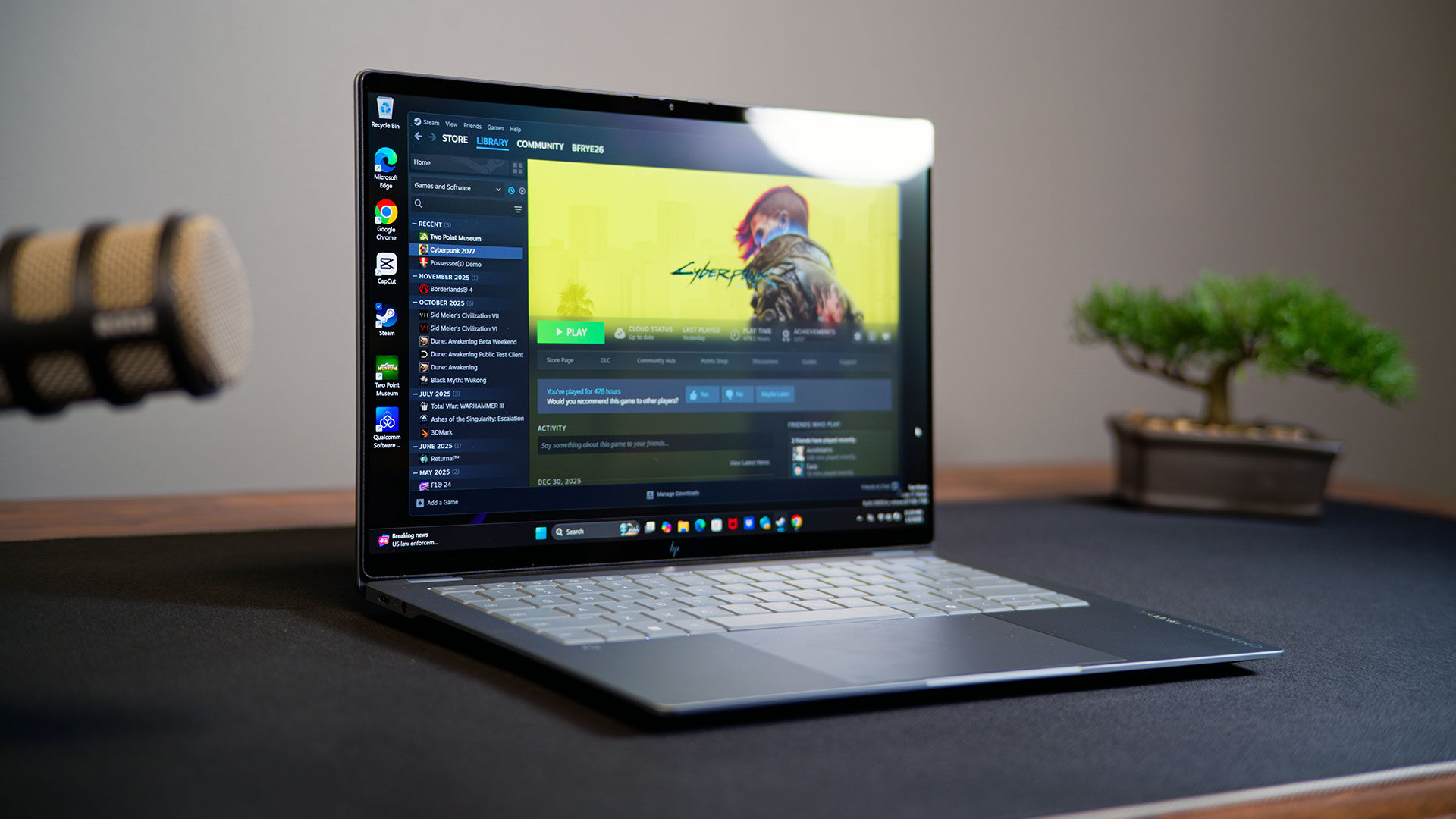
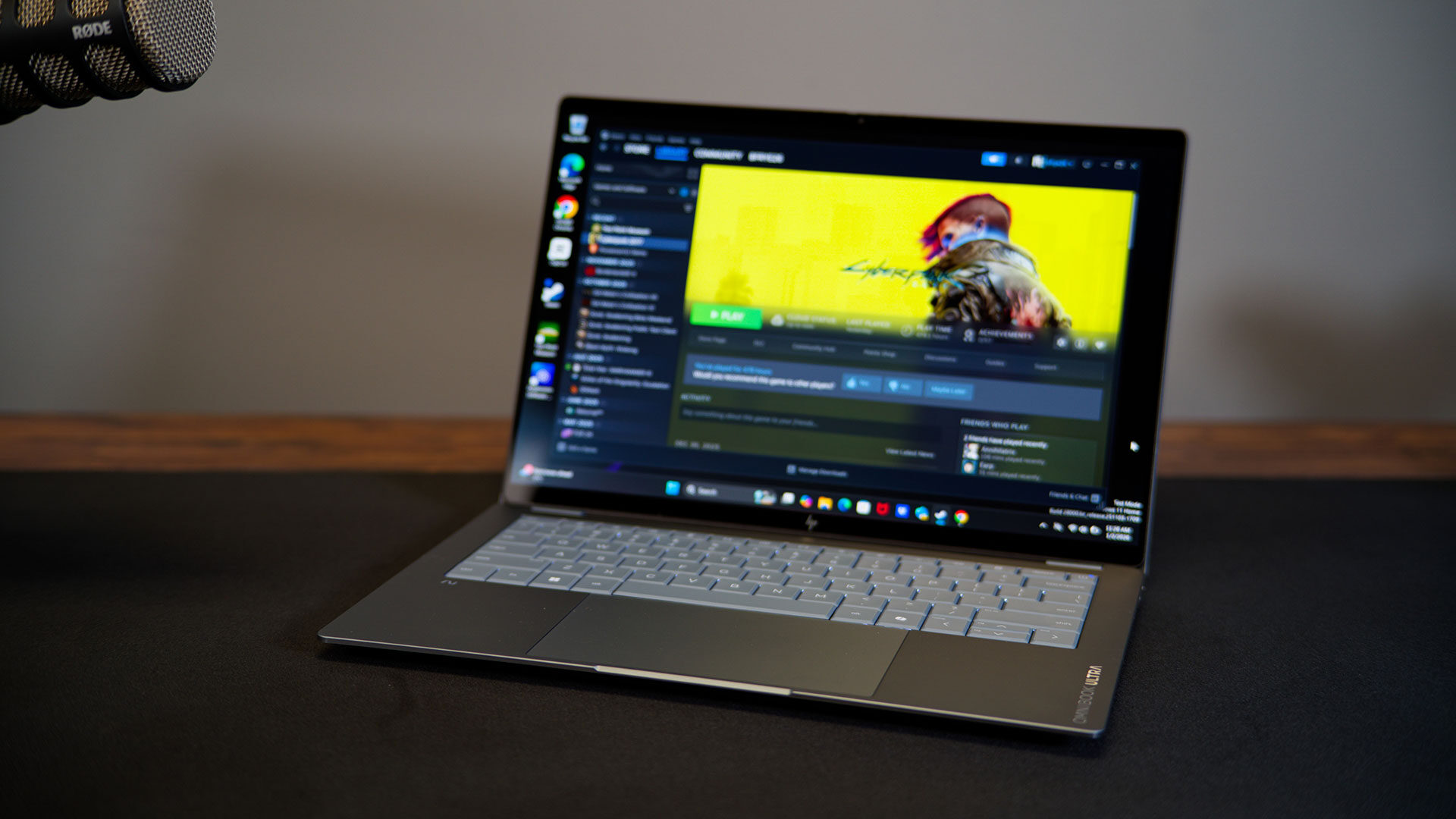
First, the most disappointing aspect up front. Much like what I saw when I tried some Qualcomm laptops last year, gaming was hit or miss. Some titles simply refused to open, and others were nearly unplayable for whatever reason. Even so, that was less of an issue this time around, with more titles booting and delivering more impressive results than I saw a year ago. Cyberpunk 2077 ran at a solid frame rate of around 60 fps when I set things to low and turned on FSR, something I did not expect from an ARM-based Windows laptop.
In more casual games such as Two Point Museum, everything ran relatively smoothly at the native resolution, although dropping it down to 1080p gave a much more fluid experience. I imagine things will be pushed even further as more finalized drivers hit the system, and that is before native ARM games start to become the norm. It may not go head-to-head with dedicated gaming systems in every title just yet, but Qualcomm is catching up quickly, and I am impressed with what I see.
Thankfully, the area where Qualcomm laptops shine is battery life, and that is another axis where HP leans into the ARM platform. Higher-resolution 3K OLED variants with a Snapdragon X2 Elite are rated for around 20 hours of battery life in continuous playback benchmarks, so real-world mixed workloads will land lower. When I put it through its paces with a mix of internet browsing, video playback and, of course, some Adobe apps, I still managed well over 10 hours of use, often pushing toward 15 hours.
This is impressive for a Windows laptop, and even more impressive considering how much performance I have seen from it so far. I also appreciate the fast charging that can restore roughly half the battery in about 45 minutes with the supplied 65 W USB-C adapter, which also simplifies travel since it can double as a general-purpose charger for phones and tablets.
The camera on the OmniBook Ultra 14 is also solid. It supports infrared for Windows Hello facial recognition, temporal noise reduction to clean up low-light video and automatic HDR switching to keep exposure under backlighting in check. AI-enhanced noise suppression uses the four-speaker Poly Studio audio system and dual microphones to reduce background sounds during calls, while Windows Studio Effects can handle frame centring and background softening. The focus is less on adding new toggles and more on making the laptop feel ready to join a call or record a clip without a long hunt through multiple settings panels.
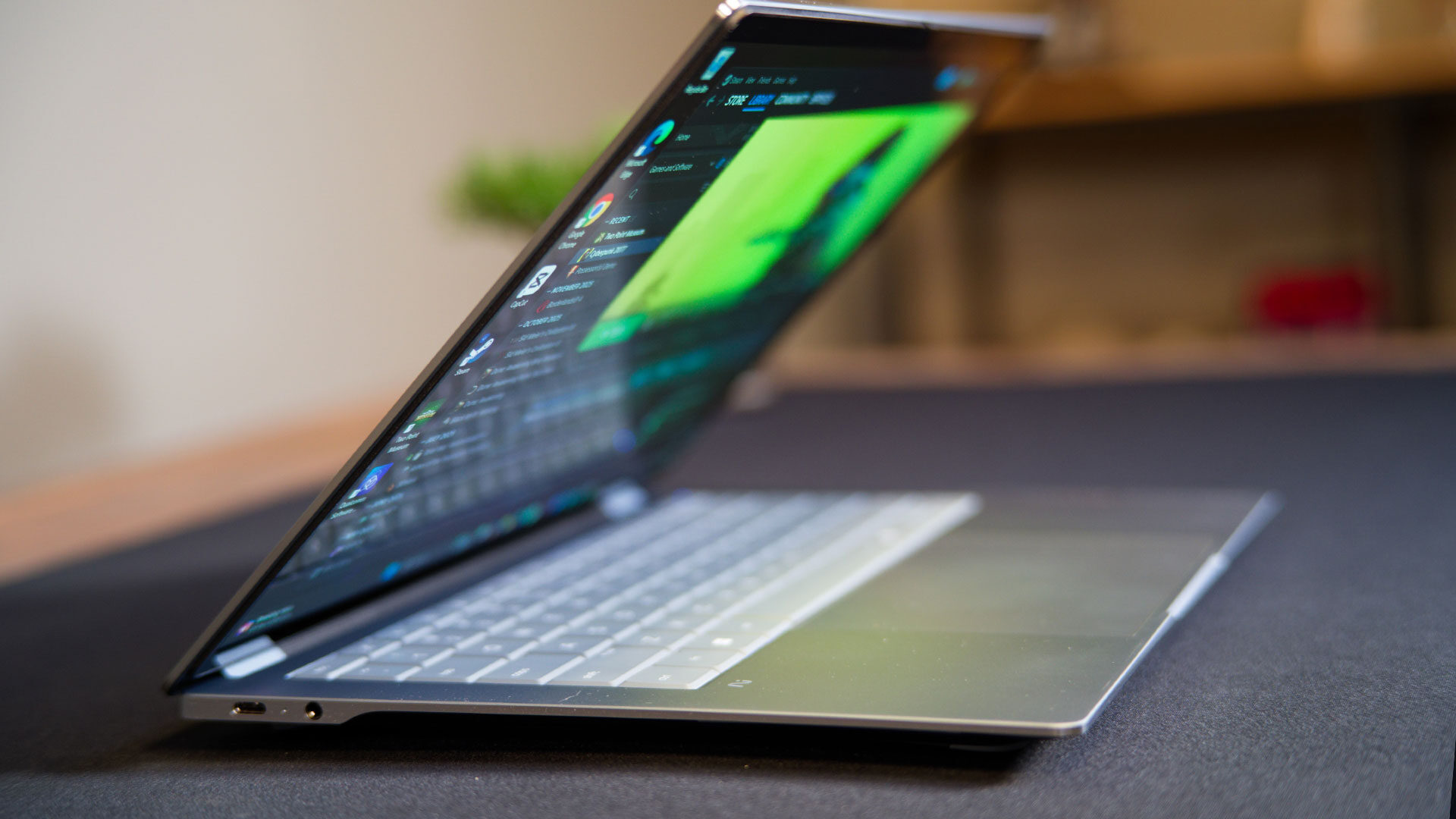
Connectivity on the OmniBook Ultra 14 matches what you would expect from a premium ultraportable, with specs ready to take advantage of new standards as they become more widely available. Wireless networking relies on Qualcomm FastConnect 7800. It brings Wi-Fi 7 support with 2×2 MIMO for higher throughput and lower latency on compatible routers, alongside Bluetooth 5.4 for peripherals. On the physical side, the OmniBook Ultra 14 offers three USB-C ports with 40 Gbps signalling, DisplayPort 1.4, USB Power Delivery and HP Sleep and Charge, plus a combined headphone and microphone jack. External displays up to 5K at 60 Hz are supported over USB-C, allowing the machine to anchor a desk setup without a separate dock.
I have liked my time with the OmniBook Ultra 14 and can safely say it is one of the best Qualcomm-based laptop experiences I have had to date. It is smooth, long-lasting and looks stunning. HP has outdone itself with this unit, and I am amazed at how far the Qualcomm Windows experience has come in only about a year.
There is a lot to like about this machine, and I can see why HP was so eager to show it off ahead of CES 2026. I am sure there will be more driver updates and tweaks before it officially hits store shelves, but as it stands now, HP has shown just how far a platform can come when hardware, software and silicon are all working in sync.

Exciting to see the latest innovations at CES 2026! The HP OmniBook Ultra 14 sounds like a promising addition to the tech lineup. Looking forward to seeing how it performs in real-world use!