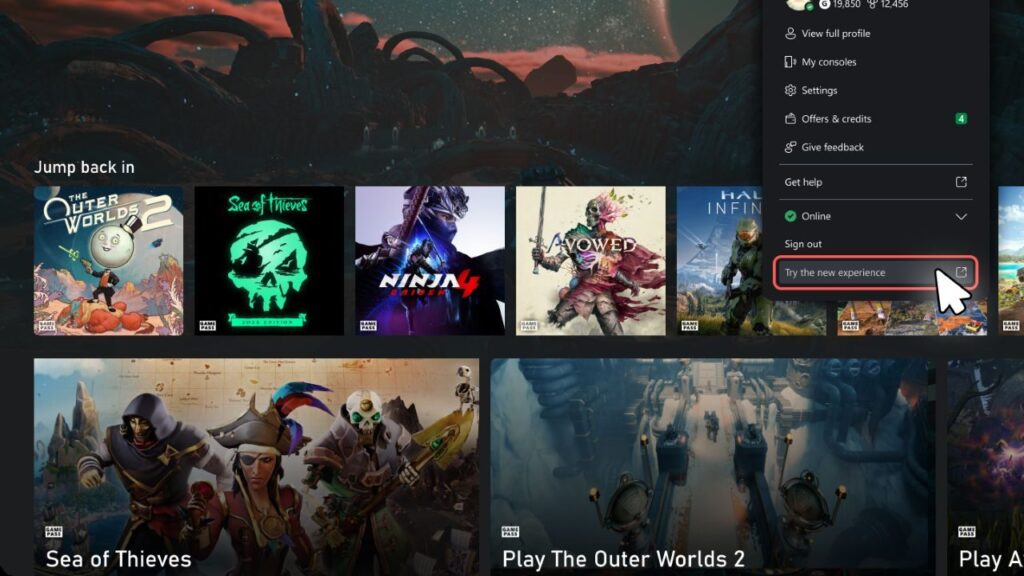

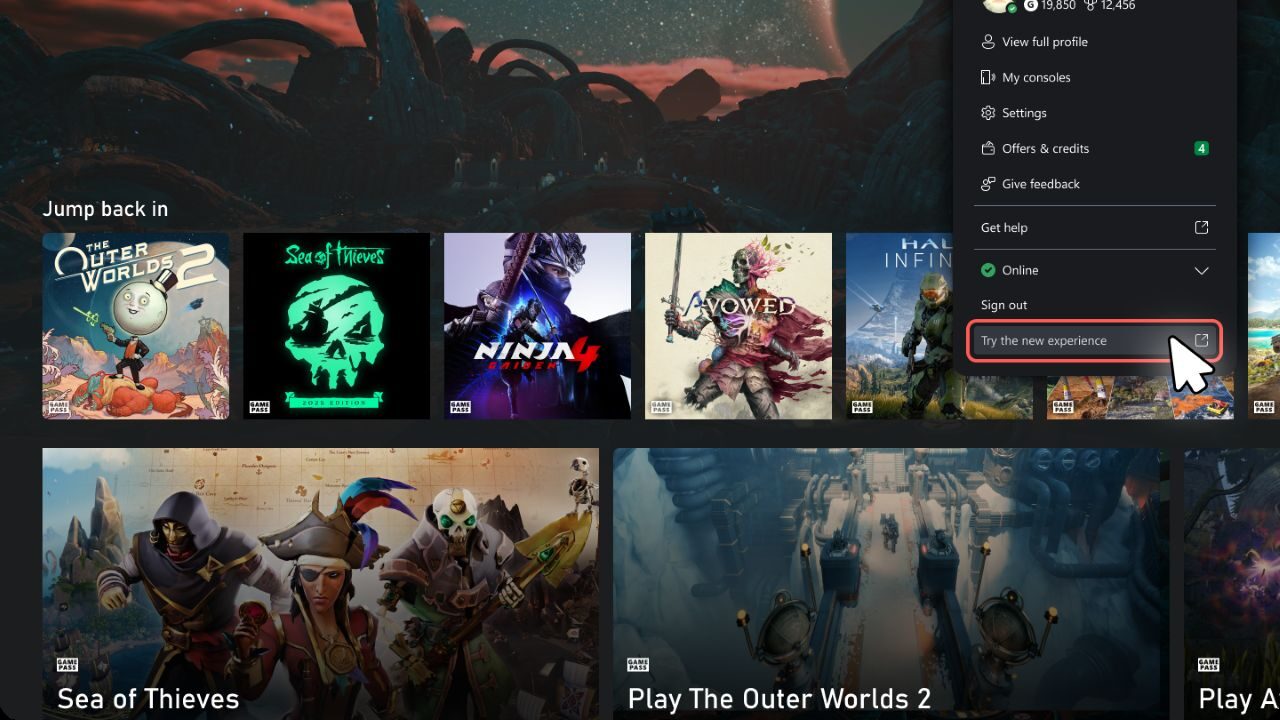
Xbox Cloud Gaming rolled out a new web experience on Wednesday, offering fans an early look at a redesigned interface ahead of its full launch.
A new web experience is now out for Xbox PC users to preview, and it’s meant to streamline Xbox’s ability to build new experiences for players. For the preview, Xbox Cloud Gaming is giving fans a first look at the new web interface in the browser and letting them try out the updated design and product flow before it is rolled out globally.
Players who opt in to the new interface will notice the UI has changed significantly, including updated navigation and a new design. Xbox Cloud Gaming is using the preview to test the new web experience and will use fan feedback to improve its foundation.
How To Access The New Xbox Cloud Gaming Web Experience Preview
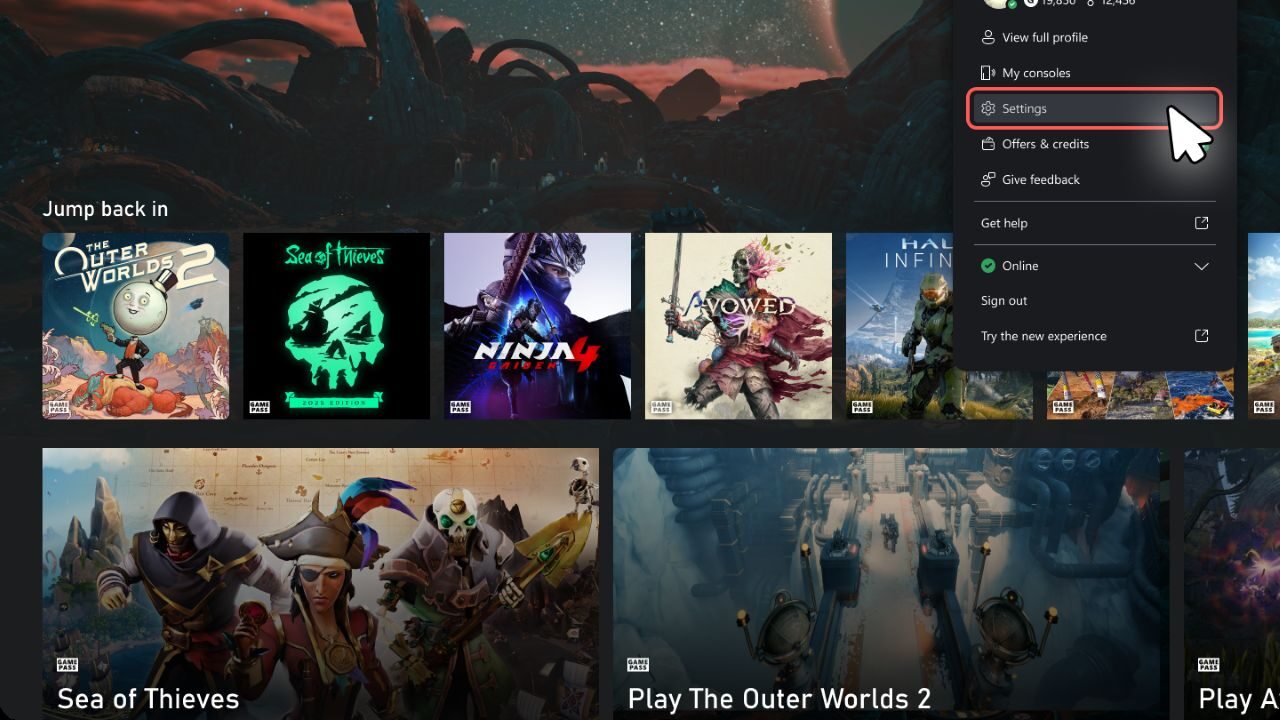
- First, fans should copy and paste xbox.com/play in their compatible browser and sign in with their Xbox Account.
- Once you’re logged in, you can access the preview functions from the settings dropdown menu (pictured above), and switch the “Preview Features” toggle to on.
- Heading to xbox.com/play afterwards (and waiting about 10 minutes), the new web experience preview should be available for Xbox Cloud Gaming users to tinker with, and then fans can hit the “Try the new experience” selection from the dropdown menu
- Fans who like to keep it classic can revert the settings by going to xbox.com/play and reverting the settings to the original version. It’s the same process as changing to the preview build.
Fans looking to give valuable feedback to Xbox Cloud Gaming can press the middle Xbox logo button on their controller, then select “Guide,” then “Give feedback” to tell Xbox about any issues with the new web interface. Fans looking for more community from the Xbox community can visit the Xbox Insider subreddit, where Xbox professionals and fans alike join the discussion.