



It’s that time again where we round up all the new free games available on Steam, completely free of charge for anyone who wishes to play them.
Even with the Steam Winter Sale ongoing right now, money can be a little tight around this time of year. If you’re a gamer on a budget, you may prefer to check out the free games that are being released on the platform.
Luckily for you, Steam now has eight more free games available on the service, which you can download now.
Steam Is A Treasure Trove Of Free Games
The eight new free games that have been added to Steam are:
- Never Immortal, a 2D multiplayer top-down shooter where you fight off a zombie invasion either by yourself, with other players, or against other players.
- Once Upon a Shell, a roguelike racing game based on Aesop’s fable “The Tortoise and the Hare”, where you play as tortoise racing down a hill to outrun a pack of overconfident hares.
- Action Puzzle, a casual puzzle game where your goal is to clear as many lines as possible to earn a high score. Blocks will fall in response to your character’s movements, so avoid them skillfully.
- Skybound, a 3D exploration platformer focused on fun, fluid movement mechanics, parkour and environmental puzzle solving.
- Land Run, an original single-play card game using cards and luck, where the game can be turned upside down with just one card.
- Gravity Game, a simple infinite physics simulation and puzzle game. You are tasked with escaping your home planet, and reaching the goal at another.
- Denpa Nightmares, a visual novel game about remembering the past. The story follows a girl named Dirtie as she goes about her day and talks with you about the past.
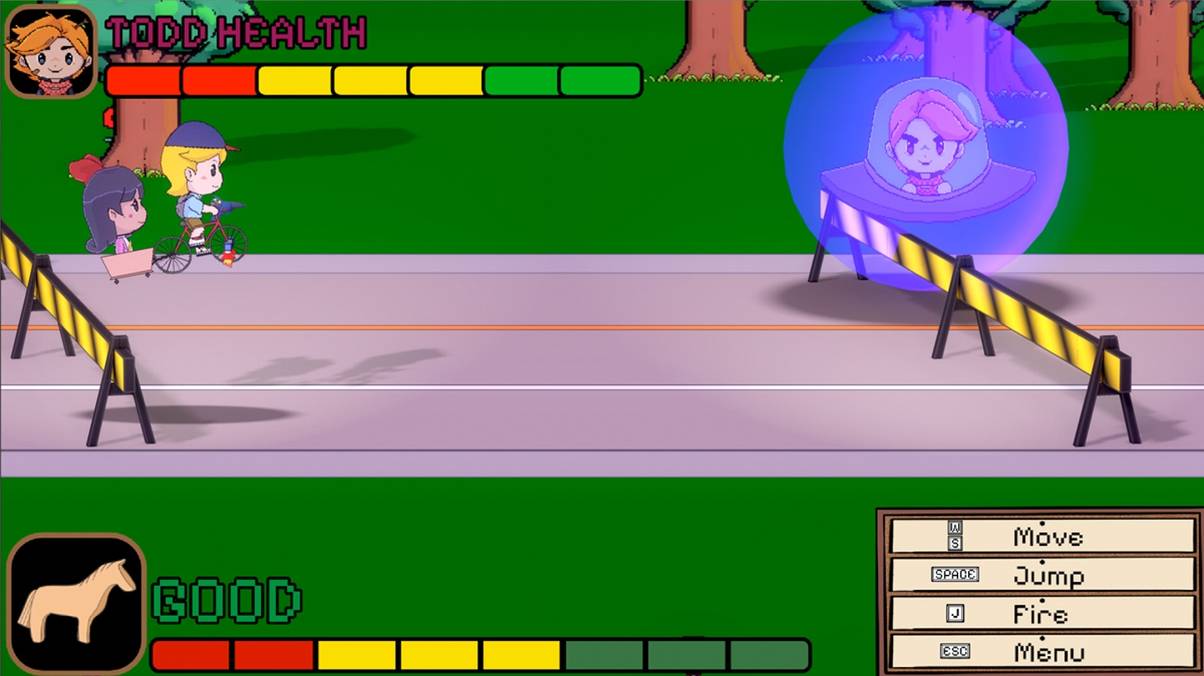
- The Whittled Horse, a game where you need to deliver a package across town, featuring a mix of hand-drawn 2D and 3D graphics with a meaningful story.
If you’re interested in checking any of these games out, you can play them by going onto their respective Steam store pages and hitting Play Game.
Of course, you should make sure that your PC hits the minimum specs required to play these games. If it doesn’t, you may experience performance issues and other errors while playing.
You can view these system requirements on the Steam store page, by scrolling past the game description towards the bottom of the page.
