

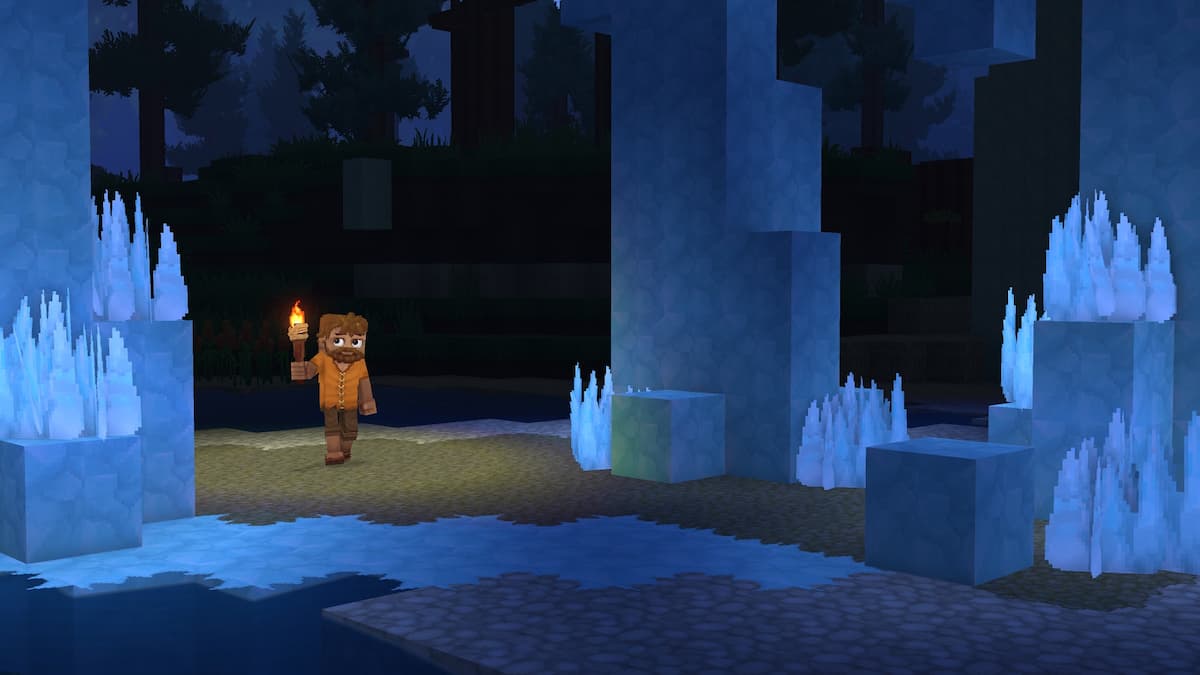
Hytale is out now on PC in early access and is one of the biggest releases of the year. As expected, it features plenty of systems and mechanics, which can be a bit daunting initially. Here are the complete controls for Hytale, giving you a quick reference to everything.
Hytale Complete Controls
| Action | Input |
|---|---|
| Move Forward | W |
| Move Backward | S |
| Move Left | A |
| Move Right | D |
| Jump | Space Bar |
| Crouch / Slide / Roll | Left Ctrl |
| Sprint | Left Shift |
| Walk | Left Alt |
| Fly Up | Space |
| Fly Down | Left Ctrl |
| Primary Action | Left Mouse |
| Secondary Action | Right Mouse |
| Use Ability 1 | Q |
| Use Ability 2 | E |
| Use Ability 3 | R |
| Interact with a Block | F |
| Rotate a Block | R |
| Show Utility Slot Selector | Z |
| Mount / Dismount | F |
| Drop Item | G |
| Hotbar Slot 1 – 9 | 1 – 9 |
| Switch Camera Mode | V |
| Activate Camera Rotation | C |
| Toggle Chat | Return |
| Pick a Block | Middle Mouse Button |
| Switch Game Mode | O |
| Open Inventory | Tab |
| Open Machinima Editor | N |
| Open Map | M |
| Open Creative Tools | B |
| Show Player List | P |
| Toggle Builder Tools Legend | L |
| Legend – Previous Page | J |
| Legend – Next Page | K |
| Undo | Z |
| Redo | Y |
| Add / Remove Favorite Material | – |
| Paint Brush Tool | Keypad 1 |
| Sculpt Brush Tool | Keypad 2 |
| Selection Tool | Keypad 3 |
| Paste Tool | Keypad 4 |
| Line Tool | Keypad 5 |
| Change Sculpt Brush Modifier | Left Shift |
| Use Paint Mode for Brush | U |
| Select Block from Set | Q |
| Paste Preview | T |
| Switch HUD Visibility | F8 |
| Toggle Fullscreen | F11 |
| Take Screenshot | F12 |
| Command | / |
| Decrease Speed Multiplier | F1 |
| Increase Speed Multiplier | F2 |
| Toggle Creative Collision | F3 |
| Toggle Fly Camera | F4 |
| Toggle Fly Camera Control Target | F5 |
| Toggle Debug Screens | F7 |
Can You Rebind Controls in Hytale?
Yes, you can completely rebind controls in Hytale in the Controls section of Settings.