If you know anything about my gaming platform tastes, you’ll know that my two favourite systems to play on are PC and Nintendo Switch.
I love the openness of the PC platform, being able to play a variety of games across various different platforms, as well as the handheld nature of the Nintendo Switch. And to be more specific, I really like testing out different controllers that work with these systems.
With regards to both PC and Nintendo Switch, I’ve tested a variety of different third-party controllers that are compatible with these platforms. There are some great ones and some terrible ones, but I’ve always been largely impressed by the range that 8BitDo tends to put out.
The first 8BitDo Ultimate controller is probably one of my favourite third-party gamepads of all time. It’s comfortable, lightweight, and has a variety of different options for you to tweak your gaming experience.
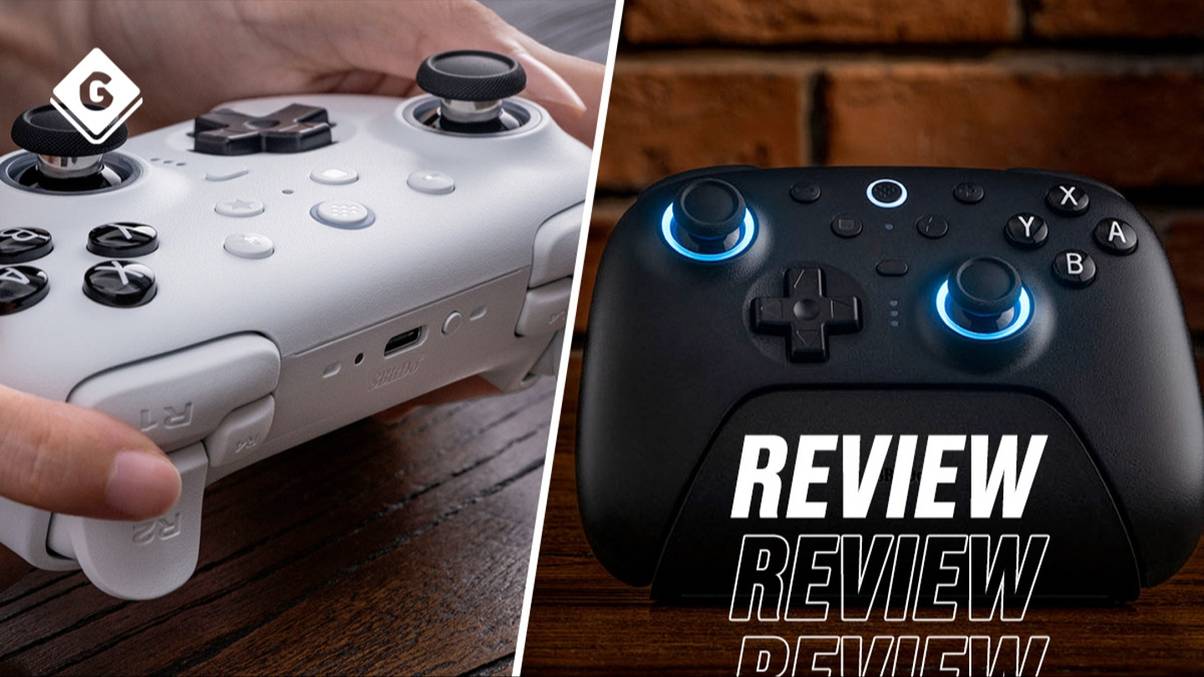
The controller’s follow-up, the Ultimate 2 Bluetooth, takes this much further by adding additional buttons, hall effect trigger improvements, and refined tactile feedback to make it the best choice for gaming on PC and Nintendo Switch.
The Most Comfortable Third-Party Controller I’ve Used
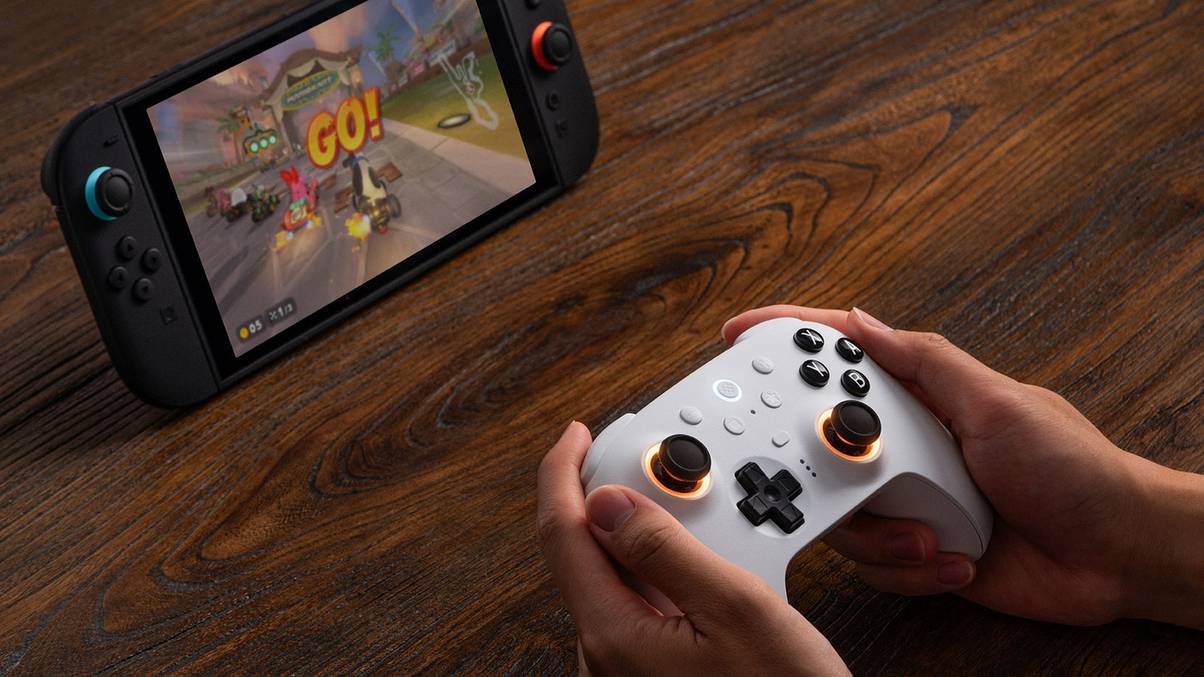
Like its predecessor, the 8BitDo Ultimate 2 Bluetooth controller is firm and lightweight, making it a comfortable option for long gaming sessions. Whether you have large hands or small ones, it fits quite nicely in your palms and allows you to relax if playing for a while.
Most importantly, if using it with the Nintendo Switch or Nintendo Switch 2, it’s an excellent alternative to using detached Joy-Cons when playing in Docked Mode. While I’ve liked the Joy-Cons for the flexibility they offer when holding one in each hand, it’s pretty clear they’re not actually built to be primarily used this way, and can be quite uncomfortable if playing for long periods of time.
I also really like the extra L4 and R4 buttons located at the top of the controller, which are small and unintrusive, and that they can be mapped to other buttons. I ended up mapping them to the left and right thumbsticks, as I usually hate clicking in those buttons on a regular controller.
As for the back buttons, they became my home screen and screenshot buttons, where I was able to quickly access overlay features without needing to move my hands in an awkward way.
However, the 8BitDo Ultimate app also allows you to do so much more with these, like setting macros to perform specific functions when you press or hold different buttons. These macros can be set to different profiles, essentially allowing you to configure specific setups for certain games, switching them on the fly.
This works well for games where having some macros set up may prove to be beneficial, such as fighting games like Super Smash Bros. Ultimate or Mortal Kombat 1.
Meanwhile, the hall effect triggers and joysticks also make for more refined precision when required, meaning only slight movements are tracked accurately and represented in-game. They’re also more durable, meaning less wear-and-tear after extended use, and feel a lot smoother to the touch, making them less restrictive if playing an intense online game.
It Works Well Out Of The Box
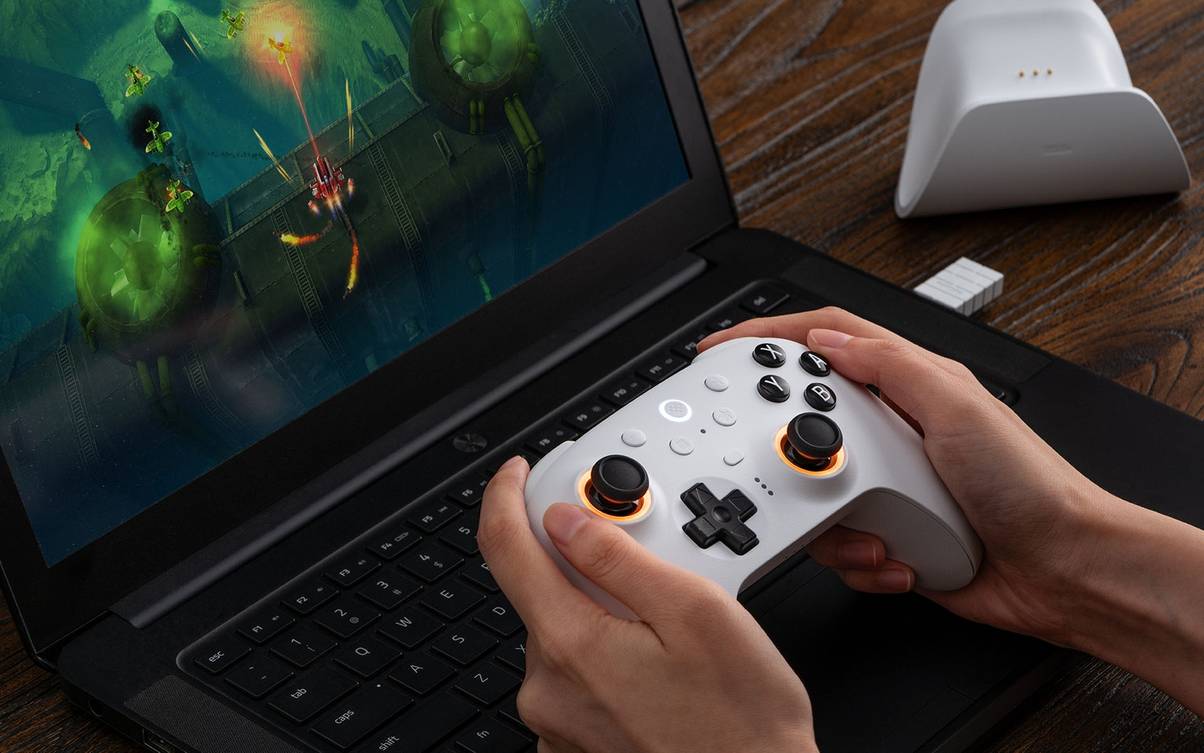
Even with relatively minor tinkering, the 8BitDo Ultimate 2 Bluetooth controller works really well out of the box. On PC, I didn’t even have to install the app to get it working properly with my Steam games. Each game I tested recognised the controller and the various inputs I was making, meaning it works really well for casual use.
As the controller is built for use with the Nintendo Switch and Switch 2, the ABXY face buttons use the Nintendo format. However, on Steam you can swap this around if you’d still prefer to use a layout similar to the Xbox-style ABXY form, with the only caveat here being that your A button will actually be B, X will be Y, and vice versa.
I ended up testing the controller across a variety of different games across PC and Switch, but here are the main ones I used it extensively on, with no reported issues:
- Assassin’s Creed Valhalla
- Clair Obscur: Expedition 33
- Super Smash Bros. Ultimate
- Mario Kart World
- Hades II
- Hollow Knight: Silksong
- Fortnite
- Dispatch
In each case, the game picked up the controller inputs perfectly, and there were no problems with connectivity. Even when I connected my PC to a television screen on the other side of my flat, roughly 10-15 metres away from the computer, the controller maintained its connection for the entire session.
However, setting up the controller can be a bit of a faff if you’re using the 2.4G wireless dongle instead of Bluetooth, which may be the case if your PC doesn’t have Bluetooth connectivity.
The last-gen version of the controller used a USB-A connection for its wireless receiver, which made it easier to connect to PCs. The 8BitDo Ultimate 2 Bluetooth controller swaps this out for a USB-C connection, which certain desktop PCs may not have (mine certainly doesn’t). It meant having to connect the controller via the integrated charging dock, which is a bit frustrating to mess around with since you need to connect it via a cable.
Altogether, I quite like the 8BitDo Ultimate 2 Bluetooth controller. It’s a fantastic evolution over the gamepad’s previous iteration, with the additional buttons allowing for more possibilities when setting up macros and different profiles, while the sleek design of each part of the unit shows that careful thought has been put into every aspect of this controller.
The 8BitDo Ultimate 2 Bluetooth Controller is available now. A review sample was provided to GAMINGbible. Images provided by PR.